- Key Takeaways
- Who This Is For
- What You’ll Get
- How Tools Are Evaluated in This Guide
- Defining “AI SEO Tool” (What’s Actually in Scope)
- Responsible Use Disclaimer
- Why This Matters in 2026
- AI-Powered Search Visibility in 2026
- Generative Engine Optimization
- Entity Coverage
- Citation Readiness
- What AI SEO Tools Are
- Understanding What Qualifies as an AI SEO Tool
- The Functional Architecture of AI SEO Tools
- Typical AI SEO Workflow in 60 Seconds
- Key Limitations (So Expectations Are Realistic)
- How AI SEO Tools Differ from Adjacent Categories
- Adapting to AI-Powered Search Outcomes
- AI SEO Tool Categories
- On-Page Optimization
- Technical SEO
- Keyword Research
- Content Briefs
- Content Generation
- Competitive Analysis
- Reporting
- Generative Engine Optimization
- Top AI Tools for SEO Optimization
- Surfer SEO
- Semrush
- Alli AI
- Ahrefs
- ChatGPT
- Rankability
- Frase
- Clearscope
- MarketMuse
- Writesonic
- Scalenut
- AirOps
- Outranking
- Dashword
- GrowthBar
- NeuronWriter
- eesel AI blog writer
- Rankscale.ai
- Search Atlas
- Whatagraph
- AthenaHQ
- Perplexity
- Jet Octopus
- Comparison: Features, Pricing, and Fit
- Capabilities
- Pricing
- Output Quality
- Workflow Fit
- Scalability
- Use Cases and Practical Workflows
- Content Briefing
- Content Refresh
- Internal Linking
- Content Clustering
- Local SEO
- Ecommerce SEO
- Content Production
- Technical Remediation
- Reporting
- Risks and Key Considerations
- Accuracy
- Plagiarism
- Data Privacy
- FAQ
- How do I choose an AI SEO tool for my team size and workflow?
- How long does it take to implement an AI SEO tool end-to-end?
- What KPIs should I track to prove ROI from AI SEO tools?
- How do I reduce hallucinations and factual errors in AI-assisted SEO content?
- Will AI content hurt SEO or trigger duplication issues?
- How do AI Overviews change SEO strategy in 2026?
- What is Generative Engine Optimization (GEO) and how is it different from SEO?
- Do I need multiple tools or one all-in-one platform?
- Are free AI SEO tools worth using?
- Can I trust AI tool pricing and features listed in this guide?
- Conclusion
Key Takeaways
- 2026 SEO isn’t “rank and wait” anymore: with zero-click and AI Overviews cutting CTR, you need pages that are rank-ready and answer-ready (extractable, citable, entity-clear).
- Pick tools by workflow lane, not feature count: keyword research → briefs → drafting/optimization → publishing → measurement. The best stack is the one your team can operationalize without creating editorial debt.
- Judge every platform on four non-negotiables: data input transparency, actionable/traceable outputs, reproducibility, and governance (RBAC, logs, retention). Automation without QA is how bad changes scale.
- Treat GEO (Generative Engine Optimization) as a real deliverable: add 30–50 word answer blocks after H2/H3s, use numbered steps, split mixed intent, and write citable passages (40–120 words, one claim per passage).
- Operationalize entity coverage: build a simple page-level entity map (primary entity → attributes → related entities → disambiguation → evidence links) and standardize naming (e.g., “Google Search Console” before “GSC”).
- Citation readiness is your new KPI: use Claim → Evidence → Implication, source every stat, separate opinion from fact, and keep dates current—especially because AI-surface visibility is harder to measure directly in GSC.
- Tool fit snapshots (so you can shortlist fast): Semrush (best all-in-one), Ahrefs (best link intelligence), Surfer/Clearscope (on-page scoring), Frase/Scalenut/Outranking (brief→draft speed with heavy editing), Alli AI (bulk on-page deployment with rollback discipline), MarketMuse (enterprise strategy), Whatagraph (reporting), Rankscale.ai/AthenaHQ (GEO-focused).
AI-powered SEO tools are reshaping how websites compete for visibility in 2026’s increasingly crowded search landscape. With zero-click searches now accounting for over 65% of Google queries—meaning users find answers directly in search results without clicking through—the old “rank and wait for traffic” playbook doesn’t hold up. You need content that ranks and content that’s structured well enough to be extracted and cited in Google’s AI Overviews—at a level of technical precision and semantic depth that’s hard to maintain manually across modern digital marketing programs.
This guide evaluates AI SEO tools through a workflow lens—not as another feature dump. You’ll see where each tool category fits into real optimization cycles, how to spot automation that helps versus automation that creates editorial debt, and how to match tools to your team’s maturity level and governance requirements.
Who This Is For
Solo site owners and small business operators will find single-platform solutions that automate high-friction tasks—keyword clustering, content brief generation, and technical audits—without requiring a full stack. If you need fast topic suggestion to overcome writer’s block, you’ll also see where lightweight AI fits safely into your process.
In-house content teams at mid-market companies will learn how to plug AI into an editorial calendar without losing voice and accuracy—scaling from 10 to 50+ optimized pages per month through repeatable content planning, a consistent team workflow, and predictable content scaling.
Agency SEO managers will get frameworks for faster audits, repeatable recommendations, and white-label reporting that proves client ROI without sacrificing quality control.
Enterprise SEO directors will see what to prioritize for multi-domain governance: role-based access controls, API integration, and audit trails—especially for enterprise-level optimization where change history can matter as much as the recommendation itself.
What You’ll Get
- A practical tool taxonomy that organizes AI SEO platforms by primary function—content workflow automation, technical site optimization, SERP intelligence, or semantic analysis—so you can quickly identify which category solves your current bottleneck
- Clear selection criteria based on data inputs each tool requires (Google Search Console access, third-party crawl data, GPT API keys), output quality markers (source attribution, confidence scores, reproducibility), and governance features (user permissions, data retention policies)
- Stage-based implementation guidance that matches tool capabilities to workflow maturity levels, from basic keyword research automation for beginners to advanced entity optimization and programmatic content generation for technical teams
- Transparent pricing and fit analysis comparing subscription models, per-seat costs, API usage limits, and contractual lock-in periods against typical use cases and team sizes
- Risk mitigation protocols for responsible AI deployment, including mandatory human review checkpoints, factual verification workflows, and compliance guardrails for industries with strict advertising or disclosure requirements
- 2026-specific context on how Google’s Search Generative Experience and citation-based ranking shifts demand tools that optimize for both traditional blue-link rankings and AI Overview inclusion
- Operational guidance for search visibility tracking, including when to rely on first-party GSC data vs third-party rank trackers and how to interpret visibility shifts in zero-click SERPs
How Tools Are Evaluated in This Guide
Every tool recommendation in this article passes through a consistent evaluation framework:
- Data input transparency: We specify whether tools rely on Google Search Console APIs, proprietary SERP scraping, third-party crawl databases (Common Crawl, Ahrefs/Semrush indexes), or natural language processing models—and whether those inputs require additional licensing or technical configuration
- Output quality standards: “Actionability” means recommendations include specific implementation steps, not vague suggestions; “traceability” means every insight links to a verifiable data source or methodology; “reproducibility” means running the same analysis twice with identical inputs produces consistent results
- Governance and compliance: We note which tools offer role-based permissions, API access logs, data residency controls, and explicit disclaimers about AI-generated content—critical for agencies managing client data or enterprises in regulated industries
- Update commitment: This guide was last reviewed in January 2026 and will be refreshed quarterly to reflect new tool launches, pricing changes, and capability updates; deprecated tools will be clearly marked with sunset timelines
According to recent adoption research, organizations using AI-powered SEO workflows report 40% faster content production cycles and 28% improvement in average keyword rankings within six months—but only when tools are paired with clear quality standards and human oversight protocols, not deployed as unmonitored automation.
Defining “AI SEO Tool” (What’s Actually in Scope)
For this guide, an AI SEO tool must use machine learning or large language models to automate at least one core optimization task. That puts most products into three buckets:
AI writing assistants (ChatGPT, Claude, Jasper, DeepSeek) generate draft content from prompts but lack native SEO data integrations—they don’t automatically pull keyword volumes, analyze SERP features, or suggest internal linking structures.
SEO platforms with ML features (Semrush, Ahrefs, Clearscope) combine proprietary SEO databases (keyword volumes, backlink indexes, rank tracking) with AI-powered analysis layers—content scoring against top-ranking pages, predictive difficulty ratings, or AI-generated metadata.
Technical SEO automation tools (Screaming Frog with GPT integration, OnCrawl, Botify) use machine learning to classify crawl issues, predict Core Web Vitals impacts, or generate regex patterns for bulk redirects—more infrastructure than content.
This guide prioritizes the second and third categories—tools designed for SEO workflows—while showing where general writing assistants can fit safely.
Responsible Use Disclaimer
All AI-generated content recommendations, keyword targets, and technical suggestions in this guide require human review before publication. Verify factual claims against primary sources; ensure outbound links comply with your editorial and legal policies; and treat anything touching brand messaging, medical advice, financial guidance, or legal interpretation as subject-matter-expert work regardless of a tool’s confidence score.
Tool outputs also vary by niche volatility and SERP competitiveness. A brief for “best CRM software” will behave very differently from one for “how to clean cast iron.” Use AI recommendations as accelerators—not as final deliverables.
Why This Matters in 2026
Google’s Search Generative Experience now surfaces AI-compiled answers above traditional organic results for over 40% of informational queries, changing what “ranking well” even means. Content has to be both rank-ready (on-page signals, authority, technical performance) and answer-ready (structured for extraction, rich in verified entities, written at a readability level summarizers prefer). The strategic question isn’t whether to use AI SEO tools. It’s which tools you can trust—and which ones fit your workflow and quality bar.
AI-Powered Search Visibility in 2026
AI-powered search visibility covers the work required to earn exposure across AI Overviews, conversational assistants, and generative search features that now mediate discovery. The headline shift is simple: ranking is still useful, but it’s no longer sufficient.
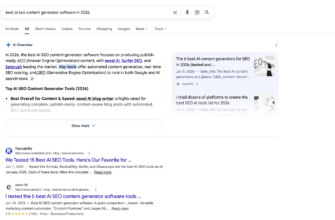
The traffic impact is measurable: AI Overviews now appear in 15% of all searches, and when present, they reduce organic CTR by an average of 30–40% across competitive queries. So your pages need to qualify for extraction, citation, and summarization—not just the top ten blue links.
Generative Engine Optimization
Generative Engine Optimization (GEO) targets three different surfaces, and each has its own content pattern and success metric:
- AI Overviews inclusion: definition-first blocks immediately after H2/H3 headers. Aim for concise 1–2 sentence answers with no preamble.
- Classic blue-links ranking: depth and completeness. Decision tables and structured comparisons tend to perform well.
- Conversational assistants that cite sources: annotated, step-by-step processes that explain reasoning. Update timestamps and clearly labeled sources matter.
At the page level, use a checklist you can test:
- After each relevant H2/H3, add a 30–50 word answer block that stands alone when extracted
- Convert narrative instructions into numbered steps with expected outcomes
- Add constraints/assumptions for recommendations (e.g., “This approach works best for B2B SaaS with content teams of 3+ writers”)
Avoid the failure modes that make GEO work collapse:
- Ambiguous definitions packed with jargon (fix with parenthetical clarification on first mention)
- Missing prerequisites (add a “Before you begin” callout)
- Mixed intent (split the page or make intent boundaries explicit via clear H2 sections)
Entity Coverage
Entity coverage helps AI systems identify, connect, and attribute the subjects in your content to knowledge graphs. A practical way to operationalize it is with an entity map for each page:
Primary entity → [Tool/concept name]
Attributes → [Key features, constraints, pricing]
Related entities → [Connected tools, complementary services]
Disambiguation terms → [Alternative names, acronyms]
Evidence links → [URLs to official docs, third-party reviews]
Disambiguation matters when tools have modules. “Semrush” can mean the platform, “Semrush SEO Writing Assistant,” or “Semrush Position Tracking.” Pick canonical naming and stick to it:
- Use “Google Search Console” before “GSC” (then standardize the abbreviation)
- Clarify at first mention (“Ahrefs (a backlink analysis platform)”)
- Standardize internal link anchor text (e.g., always “Semrush SEO Writing Assistant”)
For passage indexing, write citable blocks: 40–120 words, one claim per passage. These patterns are consistently retrievable:
- definitions
- comparisons
- checklists
- step-by-step instructions
- troubleshooting (problem → symptom → solution)
- “best for” constraints
Match each pattern to its most extractable format: paragraphs for definitions, tables for comparisons, bullets for checklists, numbered lists for procedures.
Citation Readiness
Citation readiness makes claims easy to extract, attribute, and verify.
Start with source hygiene: every statistic needs a source; prefer primary sources; separate opinion from fact (“Industry consensus suggests…” vs. “Our analysis shows…”); add publication/update dates for time-sensitive details.
Then apply a consistent Claim → Evidence → Implication pattern:
Claim: AI Overviews appear in 15% of all searches and reduce organic CTR by 30-40% when present.
Evidence: Longitudinal SERP studies from eesel.ai tracking 50,000+ queries show consistent CTR decline in AI-mediated results throughout 2025.
Implication: Businesses must optimize for both AI extraction and traditional rankings to maintain traffic levels.
Claim: Strategic AI tool usage improves SEO and content marketing ROI by reducing production time for research-intensive content.
Evidence: Quattr’s 2025 analysis of enterprise content teams found 40% faster content velocity when using AI for competitive analysis and keyword clustering.
Implication: ROI-conscious teams should prioritize AI tools that automate repeatable research tasks over those focused solely on content generation.
Claim: Entity mapping increases citation likelihood in conversational AI systems by clarifying subject-attribute relationships.
Evidence: Google NLP API documentation and Semrush entity research demonstrate that structured entity data improves semantic understanding in retrieval systems.
Implication: Adding entity maps to high-value pages makes them more likely to be referenced as authoritative sources by ChatGPT, Perplexity, and similar tools.
What AI SEO Tools Are
AI SEO tools apply machine learning algorithms and large language models to automate SEO analysis, generate optimization recommendations, and predict content performance based on search engine ranking patterns and user behavior signals.
The key difference from older platforms is that AI SEO tools aim to interpret and prioritize—not just report. Instead of showing you a dashboard of metrics, they try to connect signals (SERPs, competitors, content structure, engagement) to actions you can take.
Understanding What Qualifies as an AI SEO Tool
Counts as an AI SEO tool when it:
- Transforms raw SEO inputs (crawl data, keyword metrics, competitor content) into predictive recommendations using trained models
- Learns from SERP feature patterns, user intent signals, or content performance correlations to refine suggestions over time
- Uses natural language processing or large language models to generate, analyze, or score SEO-relevant outputs like content briefs, meta descriptions, or internal link suggestions
Not necessarily “AI SEO” when it:
- Only stores and visualizes rank tracking data without model-driven interpretation
- Runs predetermined rule-based checklists (e.g., “title tag too long”) without contextual inference about impact
- Functions as a generic AI writing assistant that produces content without incorporating keyword density analysis, semantic relevance scoring, or SERP optimization constraints
The Functional Architecture of AI SEO Tools
Most platforms follow a predictable architecture:
1) Inputs: SERP data, crawl data, Google Search Console impressions and CTRs, Google NLP entity analysis, competitor structures, and drafts.
2) Core AI methods: NLP for semantic relationships, embeddings for similarity, intent classification, clustering, predictive scoring.
3) Outputs: briefs, outlines, real-time optimization, content scoring, internal link recommendations, technical fix prioritization.
4) Feedback loops: rank tracking + GSC performance changes feed back into future recommendations.
5) Delivery layer: Google Docs/WordPress integrations, Chrome extensions, CMS plugins, APIs.
This is why good tools can surface patterns you wouldn’t catch quickly—like entity usage trends across top results or recurring H2 structures tied to SERP features.
Typical AI SEO Workflow in 60 Seconds
A common cycle looks like:
target keyword → AI brief (semantic keywords, structure, SERP benchmarks) → outline → draft with real-time scoring → optimize (meta tags, links, schema) → publish → track (rank tracker + Google Search Console) → iterate.
It compresses manual research—but it still relies on your judgment to implement recommendations intelligently.
Key Limitations (So Expectations Are Realistic)
- Hallucinations and incorrect recommendations: Validate outputs against SEO fundamentals.
- Dependence on data freshness: Tools can lag behind algorithm shifts.
- Over-optimization risks: Implementing every suggestion can produce unnatural content.
- Need for human review: Voice, accuracy, compliance, and strategy must stay human-led.
How AI SEO Tools Differ from Adjacent Categories
AI SEO platforms sit between deterministic suites (rankings, backlinks, volumes) and pure writing assistants. They aim to connect research, content, and technical signals into prioritized recommendations—rather than leaving you to stitch it all together manually.
Adapting to AI-Powered Search Outcomes
AI SEO tools increasingly optimize for both blue links and answer surfaces. A study found that AI-driven search interfaces can reduce organic clicks by up to 25% as users find answers without visiting websites (Source: https://www.eesel.ai/blog/seo-optimization-ai-tools).
As a result, “citation readiness” becomes a practical KPI: entity coverage, extractable formatting (lists/tables/definitions), internal linking that supports topical authority, and source attribution.
Organizations using AI SEO tools strategically report meaningful gains—companies leveraging AI-powered optimization see an average ROI uplift of 30-40% compared to manual SEO workflows (Source: https://www.quattr.com/ai-seo-tools). The catch is that this comes from sustained implementation with QA—not installing a tool and hoping for a miracle.
AI SEO Tool Categories
AI SEO tools fall into categories based on the primary job-to-be-done. Use this as your routing map: start with the bottleneck, then pick the tool lane.
On-Page Optimization
Best for: Refining existing drafts or live pages to close ranking gaps through prioritized, testable edits.
Core AI capabilities:
- Content grading and scoring against SERP benchmarks
- Meta title and description generation with character-limit enforcement
- Internal linking suggestions mapped to topic clusters
- Readability analysis with sentence-level recommendations
- Semantic gap detection (missing entities, subtopics, or LSI terms)
Inputs → Outputs:
Inputs: Existing URL or draft text, target keyword, competitor URLs; Outputs: Prioritized edit checklist, rewritten meta tags, internal link targets, readability score deltas
Key evaluation checks:
- Does the tool produce actionable diffs (before/after preview) rather than vague suggestions?
- Can you export recommendations in a format your CMS or workflow supports (Google Docs, WordPress, etc.)?
- Does the scoring logic reference first-party data (e.g., Google Search Console performance) or rely solely on third-party SERP scraping?
- Are internal linking suggestions context-aware (based on your site’s actual URL structure and authority distribution)?
- Does the tool differentiate between must-fix issues (missing H1, duplicate meta descriptions) and nice-to-have optimizations (synonym variations)?
Common pitfalls / when not to use:
- On-page tools don’t discover new topics—use Content Briefs for that.
- Fix crawlability and Core Web Vitals before tweaking on-page copy.
- Don’t treat a content score as a publish gate; intent and E-E-A-T can matter more than hitting 85/100.
Technical SEO
Best for: Finding and prioritizing crawl/index/render issues—and deciding what to automate vs. route to engineering.
Core AI capabilities:
- Automated crawl and log file analysis with anomaly detection
- JavaScript rendering diagnostics (CSR vs SSR gaps)
- Prioritization scoring by estimated traffic impact
- Change tracking and rollback guidance
- Structured data validation and schema markup suggestions
Inputs → Outputs:
Inputs: Site URL, server log files (optional), Google Search Console API connection; Outputs: Prioritized issue list with severity scores, automated fix scripts (for compatible CMSs), rollback alerts, structured data patches
Key evaluation checks:
- Preview changes before applying them
- Log parsing for crawl budget waste
- Rendering validation via headless browser-like simulation
- Change tracking tied to deployment pipeline/version control
- Prioritization that accounts for your traffic distribution
Common pitfalls / when not to use:
- Diagnosis isn’t implementation—confirm CMS/hosting integration support.
- Always stage automated fixes.
- If relevance is the issue, a technical audit won’t move rankings.
Keyword Research
Best for: Discovering queries and clustering them by intent so you can map content to demand.
Core AI capabilities:
- Keyword discovery from seeds, competitors, and SERPs
- Intent classification at scale
- Topic modeling and clustering
- SERP feature detection
- Seasonal/trending identification with forecasts
Inputs → Outputs:
Inputs: Seed keywords, competitor URLs, domain; Outputs: Keyword lists with volume/difficulty/intent, clusters, SERP feature opportunities
Key evaluation checks:
- First-party sources (Google Search Console, internal search logs) vs third-party only
- Difficulty calibrated to your domain authority
- Granular intent filters
- Non-overlapping clusters
- Real-time SERP analysis vs cached snapshots
Common pitfalls / when not to use:
- Keyword lists aren’t content structures—use Content Briefs.
- Don’t chase volume alone.
- If execution is your bottleneck, move to briefs/drafting.
Content Briefs
Best for: Turning keyword research + competitive intel into a writer-ready deliverable.
Core AI capabilities:
- Outline generation (H2/H3)
- Entity/subtopic extraction
- Question mining
- Internal linking targets + external citation suggestions
- Scoring targets (word count, readability, keyword density ranges)
Inputs → Outputs:
Inputs: Primary keyword, competitor URLs, persona; Outputs: Writer-ready brief (outline, entities/topics, questions, internal links, references, rubric)
Common pitfalls / when not to use:
- SERP-average briefs produce me-too content—require differentiation.
- Don’t generate more briefs than you can ship; they go stale.
Content Generation
Best for: Drafting at scale when you need speed, with the expectation of editorial QA.
Core AI capabilities:
- Long-form drafting
- Tone/structure controls
- Originality safeguards
- Export to CMS/Docs
- Localization logic
Common pitfalls / when not to use:
- Templated intros/conclusions scream “content mill.”
- Fact-check technical claims.
- If you’re refreshing existing pages, use On-Page Optimization.
Competitive Analysis
Best for: Monitoring competitor structures, gaps, and changes.
Reporting
Best for: Turning SEO data into stakeholder-ready narratives and next actions.
Generative Engine Optimization
What is GEO? Generative Engine Optimization (GEO) optimizes content to be selected and cited in AI-generated answers within tools like ChatGPT, Google AI Overviews, and Bing Copilot—not just ranked in traditional blue-link results.
Best for: Adapting content strategy for the AI-first era (organic CTR fell 37% in Q1 2024 as AI-generated answers captured more real estate, per eesel.ai research).
Signals to optimize for AI extraction:
- Entity density
- Citation readiness
- Answer formatting
- Semantic clarity
- Authoritativeness signals
Top AI Tools for SEO Optimization
AI-powered SEO tools analyze search engine data, automate technical audits, and generate optimized content using natural language processing—capabilities that help teams adapt to shrinking organic click-through rates from AI Overviews and zero-click SERPs. The tools below are grouped by their primary workflow lane so you can shortlist faster.
This evaluation uses a four-part lens: primary SEO job-to-be-done, core AI capability, ideal user/team, and key limitation.
Surfer SEO
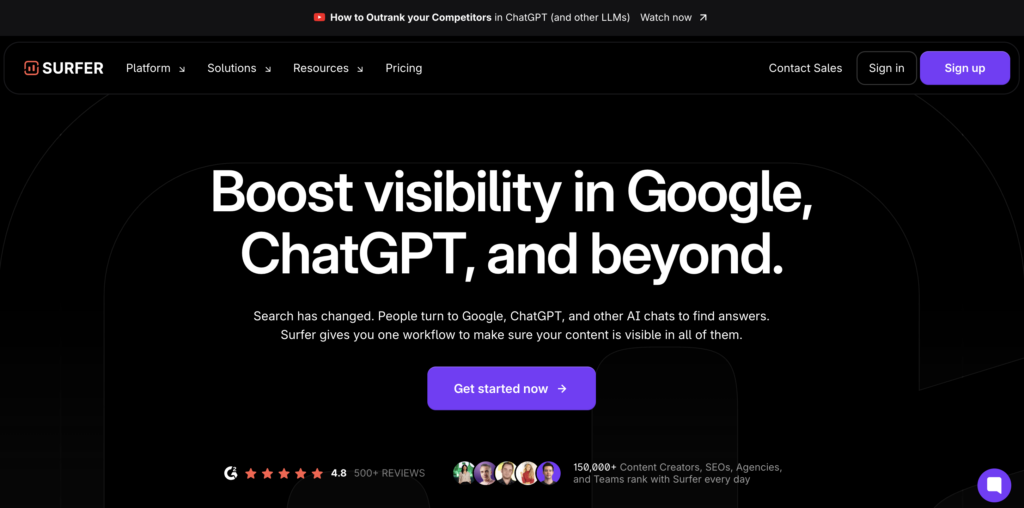
Best for: On-page content optimization driven by SERP competitor analysis
Core AI capability: NLP-based content scoring that compares your draft against top-ranking pages for target keywords
Inputs it needs: Target keyword, competitor URLs (auto-populated from SERP), existing draft or outline
Outputs you can ship: Content brief with recommended headings, LSI keywords, paragraph structure, and real-time optimization score; editable draft with inline suggestions
1 standout differentiator: Real-time Content Editor scores your text as you write, showing exactly how many times to use each keyword and where to add semantic terms—avoiding guesswork in content production
Key limitation / watch-out: Recommendations are purely statistical (based on competitor averages), not intent-driven; high scores don’t guarantee quality if competitors publish shallow content. Requires manual review to ensure recommendations align with user intent.
Ideal user/team: In-house content teams and agencies producing high-volume blog posts or landing pages; best when paired with human editorial oversight
Integration note: Chrome extension integrates with Google Docs and WordPress; exports briefs to Jasper, Copy.ai, and other AI writers
Classification: Content optimization (on-page)
Who should NOT use this: Solo marketers who lack time to validate keyword density recommendations or writers producing highly technical, non-competitive content where SERP benchmarks are sparse
Semrush
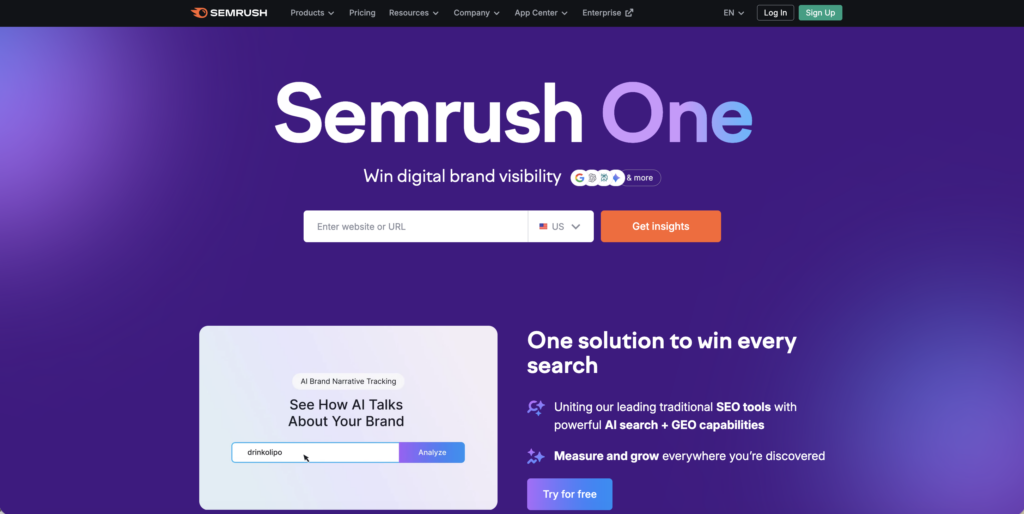
Best for: All-in-one SEO platform combining keyword research, competitive analysis, technical auditing, and rank tracking
Core AI capability: Machine learning models for keyword clustering, topic discovery, and backlink opportunity scoring; AI-enhanced anomaly detection in Site Audit
Inputs it needs: Domain or URL, target location, competitor domains, Google Search Console and Google Analytics (optional for deeper insights)
Outputs you can ship: Keyword lists with search volume and difficulty scores, competitor gap analysis reports, technical SEO audit with prioritized fixes, backlink profile analysis, position tracking dashboards
1 standout differentiator: Position Tracking monitors local pack rankings at ZIP code level and integrates with Listing Management for complete local SEO workflow—unique among enterprise platforms
Key limitation / watch-out: Broad feature set requires significant onboarding time; teams often underutilize 70% of available tools. Database updates lag 24–48 hours, so real-time SERP changes aren’t reflected instantly.
Ideal user/team: Mid-size to enterprise in-house SEO teams and agencies managing multiple clients; requires dedicated user to extract full value
Integration note: Native connectors for Google Search Console, Google Analytics, Google Business Profile, and major CMS platforms (WordPress, Shopify)
Classification: Keyword/competitive research + technical SEO + reporting (platform)
Who should NOT use this: Solo marketers or startups needing only content optimization; pricing and complexity are prohibitive unless you leverage at least three core toolsets regularly
Alli AI
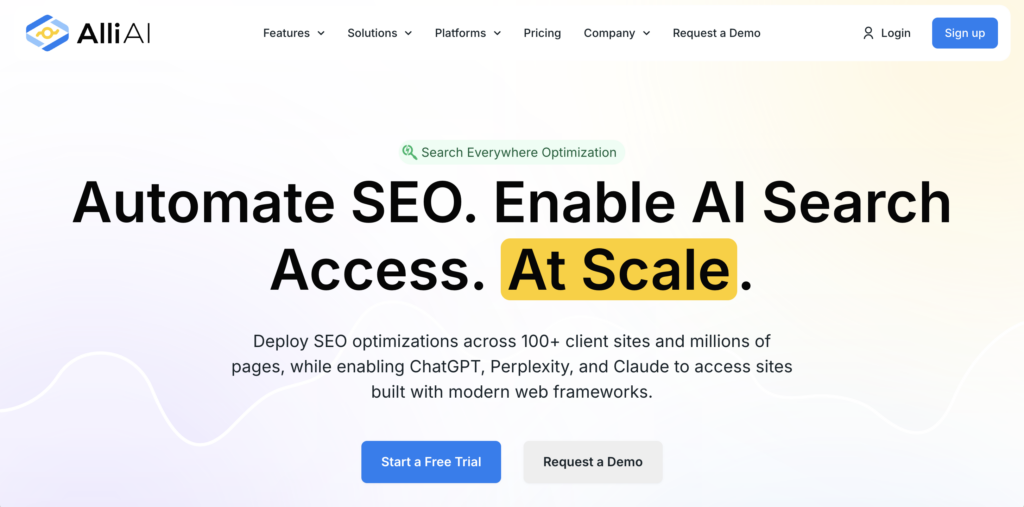
Best for: Automated, code-free on-page SEO optimization for ecommerce and multi-page sites
Core AI capability: Bulk editing engine that applies SEO changes (title tags, meta descriptions, schema markup, internal links) across hundreds of pages without manual coding
Inputs it needs: Website access (via script or plugin), target keywords per page or category, SEO rules you want automated
Outputs you can ship: Site-wide optimizations deployed in minutes; A/B testing reports showing traffic impact of changes; automated internal linking based on keyword relevance
1 standout differentiator: Deploy and roll back on-page changes across 10,000+ pages in one click, with version control and live preview—ideal for ecommerce catalogs or content sites with repetitive page types
Key limitation / watch-out: Automation risk is high; incorrect rules can propagate bad optimizations site-wide. Requires clear documentation of changes and weekly monitoring via Google Search Console.
Ideal user/team: Ecommerce brands, SaaS companies, and agencies managing large-scale sites (500+ pages) where manual optimization is cost-prohibitive
Integration note: Installs via JavaScript snippet or WordPress plugin; integrates with Shopify, WooCommerce, and BigCommerce
Classification: Content optimization (technical deployment)
Who should NOT use this: Small blogs or single-product sites; anyone unwilling to review automated changes weekly or lacking rollback protocols
Ahrefs
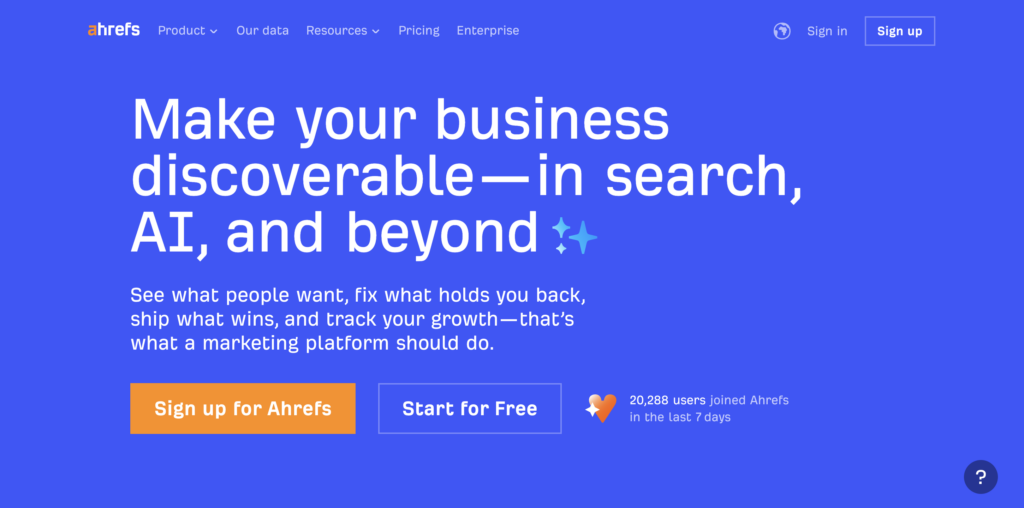
Best for: Backlink analysis and competitive link-building research
Core AI capability: Machine learning classifiers detect toxic backlinks, predict link-building difficulty, and surface competitor link opportunities based on relevance and authority
Inputs it needs: Domain or URL, competitor domains, optional filters for referring domain DR (Domain Rating), topic relevance, and link type (dofollow, editorial)
Outputs you can ship: Backlink audit reports with disavow file export, competitor backlink gap analysis, linkable asset recommendations, keyword rankings tied to backlink growth
1 standout differentiator: Largest backlink index in the industry (refreshed every 15 minutes for top domains) with historical data dating back years—critical for tracking competitor link velocity and identifying sustainable link sources
Key limitation / watch-out: Keyword database skews U.S./English-heavy; non-English and hyper-local keyword volume estimates are less reliable. DR metric is proprietary and doesn’t always align with Google’s actual authority signals.
Ideal user/team: Agencies and in-house SEO teams prioritizing link-building and competitor research; particularly strong for content marketers identifying linkable asset gaps
Integration note: API available for custom reporting; exports to Google Sheets, Data Studio, and most SEO dashboards
Classification: Keyword/competitive research (link-focused)
Who should NOT use this: Solo creators who don’t actively build backlinks or marketers focused solely on content optimization without outreach capacity
ChatGPT
Best for: Exploratory keyword ideation, content outlining, and draft generation for non-critical pages
Core AI capability: Large language model (LLM) generates conversational text, brainstorms topic clusters, and reformulates content based on prompts; no native SEO data (volume, difficulty, SERP features)
Inputs it needs: Text prompts describing topic, audience, desired format, and tone; optional context from previous conversation turns
Outputs you can ship: Blog outlines, FAQ answers, meta description drafts, internal linking suggestions (based on your input), rewritten headlines; requires manual validation
1 standout differentiator: Fastest tool for generating multiple content angles in seconds—ideal for brainstorming editorial calendars or expanding seed topics into subtopics before committing to full research
Key limitation / watch-out: Hallucinates statistics, keyword volume, and ranking difficulty; treats all prompts as equally authoritative. Every fact, metric, or claim must be verified in Semrush, Ahrefs, or Google Search Console before publishing.
Ideal user/team: Solo content marketers and early-stage startups using it as a first-draft engine, not a final-copy generator; best paired with human editors and SEO research tools
SEO-safe usage boundary: Use for ideation, outlines, and non-factual rewriting only. Validate all keywords via Keyword Magic Tool or Google Keyword Planner; cross-check every statistic against primary sources or analytics platforms.
Verification step: Copy generated keyword lists into Semrush or Ahrefs to confirm search volume and difficulty; cross-reference facts with Google Scholar, official brand sites, or GSC data.
Classification: Content generation (ideation/drafting)
Who should NOT use this: Anyone needing SEO-ready content without editing capacity; teams lacking access to keyword research tools for validation
Rankability
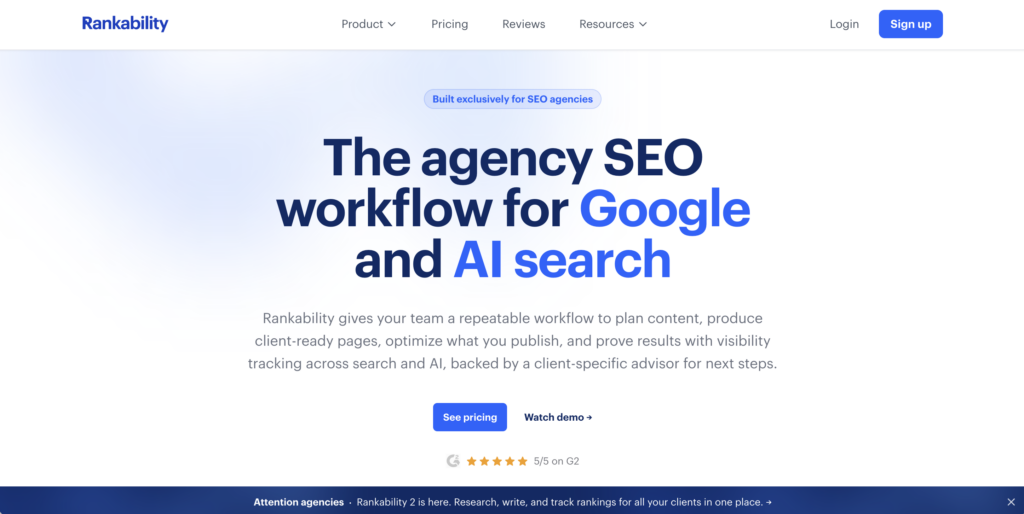
Best for: AI-powered content briefs optimized for semantic relevance and topic coverage
Core AI capability: NLP analysis identifies semantic gaps between your content and top-ranking competitors, then generates briefs with entity coverage, question clusters, and depth benchmarks
Inputs it needs: Target keyword, competitor URLs (manual or auto-detected), desired content length and format
Outputs you can ship: Structured content brief with H2/H3 recommendations, LSI keywords, entity mentions, and “questions to answer” section; exportable to Google Docs or content management systems
1 standout differentiator: Entity-based briefs explicitly list people, brands, concepts, and dates that top-ranking pages mention—helping writers match topical authority signals Google uses for entity-oriented queries
Key limitation / watch-out: Briefs assume competitive benchmarking is the goal; for blue-ocean topics with few competitors, recommendations may be thin. Requires domain expertise to decide which suggested entities are actually relevant.
Ideal user/team: In-house content strategists and agencies producing BOFU (bottom-of-funnel) content where topical depth directly impacts conversions
Integration note: Exports briefs to Notion, Airtable, Google Docs; no native CMS publishing
Classification: Content optimization (brief generation)
Who should NOT use this: Writers targeting low-competition, niche queries where competitor data is insufficient; teams preferring full-draft AI writers over manual brief-driven workflows
Frase
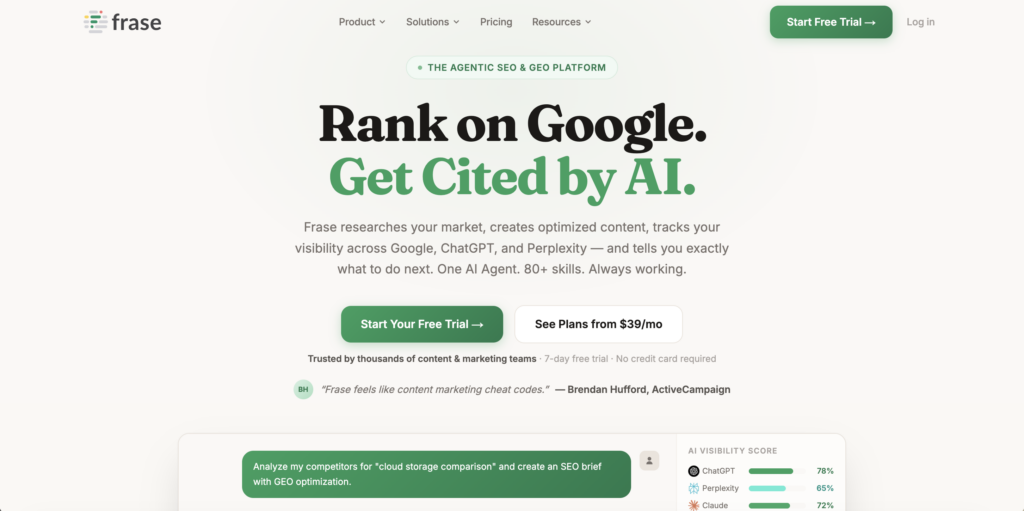
Best for: AI-assisted content creation with built-in SERP research and outline generation
Core AI capability: GPT-powered content generation combined with SERP scraping; analyzes top 20 results to extract headings, questions, and statistics, then generates draft sections matching competitor structure
Inputs it needs: Target keyword, optional competitor URLs, desired tone and length
Outputs you can ship: Full blog drafts with headings pre-populated from SERP analysis, inline citations to competitor sources, SEO score based on keyword usage and content depth
1 standout differentiator: Combines brief creation, drafting, and optimization scoring in one editor—no need to export briefs to separate writing tools; writers can research, draft, and optimize without switching tabs
Key limitation / watch-out: Generated drafts often mirror competitor phrasing too closely, risking duplicate content penalties or low originality scores. Heavy rewriting required to add unique insights.
Ideal user/team: Small content teams (2–5 people) producing 20+ articles per month who need speed over deep originality; best for informational blog content, not product pages
Integration note: WordPress plugin for one-click publishing; exports to Google Docs and Shopify
Classification: Content generation + optimization (all-in-one)
Who should NOT use this: Brands requiring high editorial standards or thought leadership content; anyone in regulated industries (healthcare, finance) where AI-generated claims require legal review
Clearscope
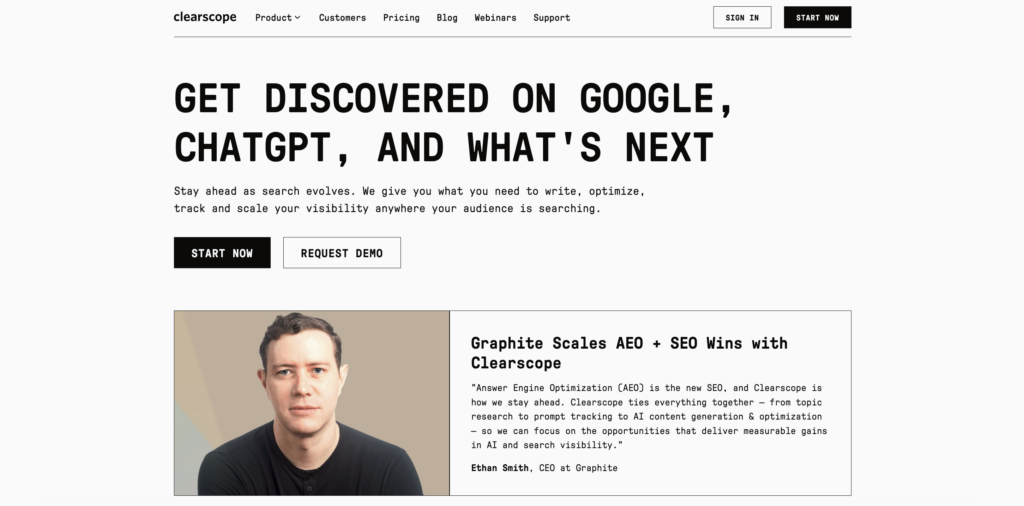
Best for: Editorial-focused content optimization with grade-based scoring and keyword recommendations
Core AI capability: NLP scoring engine evaluates content against top-ranking pages, assigning letter grades (A+ to F) based on keyword usage, readability, and topical coverage
Inputs it needs: Target keyword, existing draft or outline
Outputs you can ship: Optimization report with specific keyword insertion recommendations, readability score, content grade; real-time feedback as you edit
1 standout differentiator: Editor UI designed for writers (not SEOs), with minimalist interface highlighting only actionable changes—no overwhelming dashboards or technical jargon
Key limitation / watch-out: Pricing scales per report, not per user, making it expensive for high-volume teams. Recommendations focus heavily on keyword density, sometimes at the expense of natural writing flow.
Ideal user/team: Editorial-led content teams (magazines, SaaS blogs, thought leadership brands) where content quality and brand voice take priority over production speed
Integration note: Google Docs add-on available; WordPress plugin in beta
Classification: Content optimization (editorial-focused)
Who should NOT use this: High-volume content factories needing unlimited reports; technical SEOs who prefer raw SERP data over simplified letter grades
MarketMuse
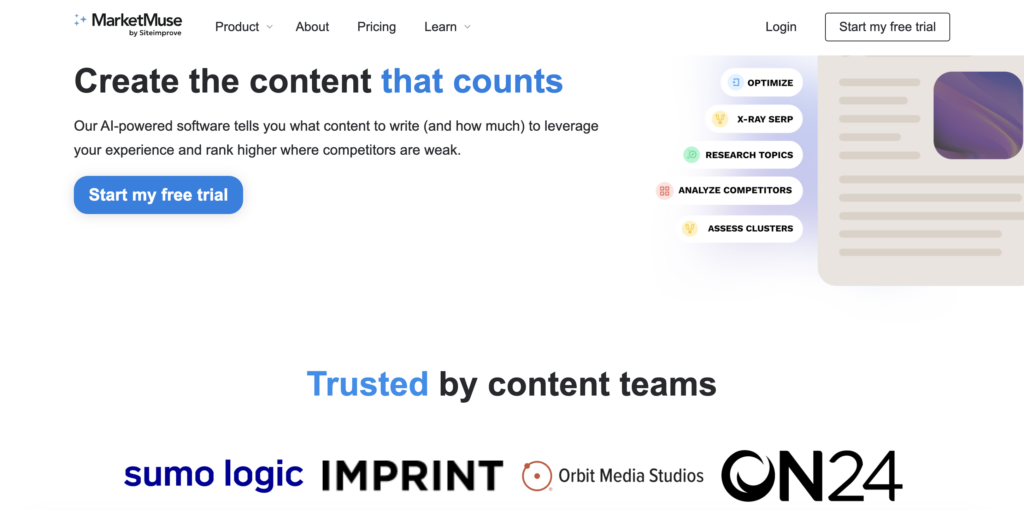
Best for: Enterprise content strategy and topic cluster planning driven by content inventory analysis
Core AI capability: Machine learning models audit your entire site to identify content gaps, prioritize topics by difficulty and opportunity, and recommend which existing pages to update vs. which new topics to create
Inputs it needs: Full site crawl (via sitemap or integration), target keyword list or topic clusters, competitor domains for benchmarking
Outputs you can ship: Content strategy roadmap with prioritized topics, page-level optimization briefs, heatmap showing coverage gaps vs. competitors, ROI projections for new content investments
1 standout differentiator: Content inventory heatmap visualizes which topic clusters you dominate vs. which are under-covered—ideal for aligning content production with strategic business priorities rather than one-off keyword wins
Key limitation / watch-out: Enterprise pricing and onboarding complexity make this prohibitive for teams under 10 people; steep learning curve requires dedicated strategy lead to interpret recommendations. Most value unlocked only after 3–6 months of usage.
Ideal user/team: Enterprise content marketing teams managing 1,000+ published pages and multi-quarter editorial calendars; agencies serving Fortune 500 clients
Integration note: API-first platform; integrates with Airtable, Asana, Monday.com for workflow management
Classification: Content optimization (strategic/enterprise)
Who should NOT use this: Startups or solo marketers; teams needing immediate tactical wins over long-term strategy shifts
Writesonic
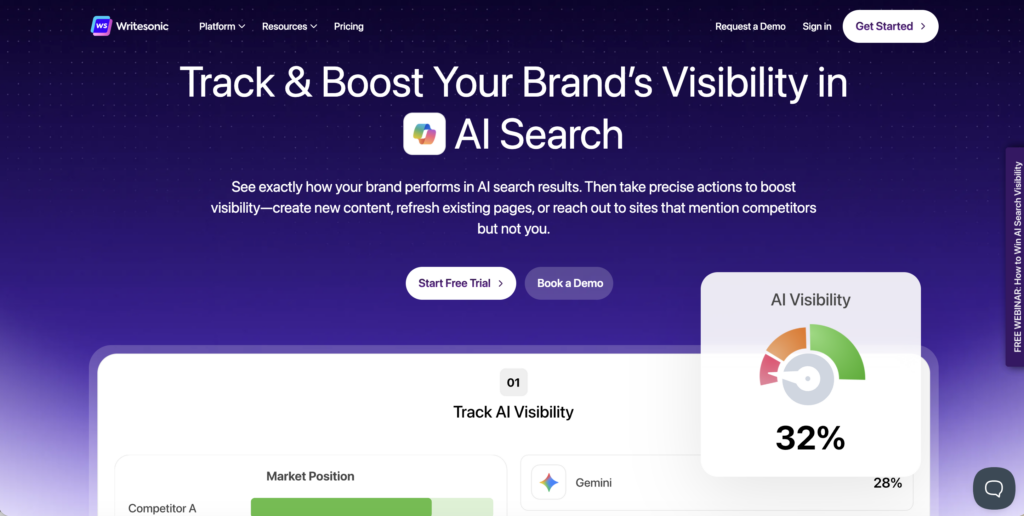
Best for: AI content generation at scale for ads, landing pages, and short-form blog content
Core AI capability: GPT-4-based text generation with preset templates (product descriptions, blog intros, ad copy, meta descriptions); optimized for speed over research depth
Inputs it needs: Brief prompt (product name, target audience, tone), optional keyword list
Outputs you can ship: Multiple content variations per prompt (headlines, CTAs, body copy), editable in-app; bulk export to CSV or Google Docs
1 standout differentiator: Generates 10+ variations of the same content block in seconds—ideal for A/B testing ad copy, email subject lines, or landing page headlines without manual rewriting
Key limitation / watch-out: Output quality degrades rapidly for long-form content (1,500+ words); struggles with technical accuracy and nuanced arguments. Best for promotional copy, not editorial content.
Ideal user/team: Performance marketers and ecommerce brands needing high-volume ad copy and product descriptions; PPC teams testing multiple creative angles
Integration note: Chrome extension for in-browser generation; integrates with Shopify for product descriptions
Classification: Content generation (short-form/promotional)
Who should NOT use this: Content teams prioritizing SEO rankings over paid ads; anyone needing factual accuracy or deep research in generated text
Scalenut
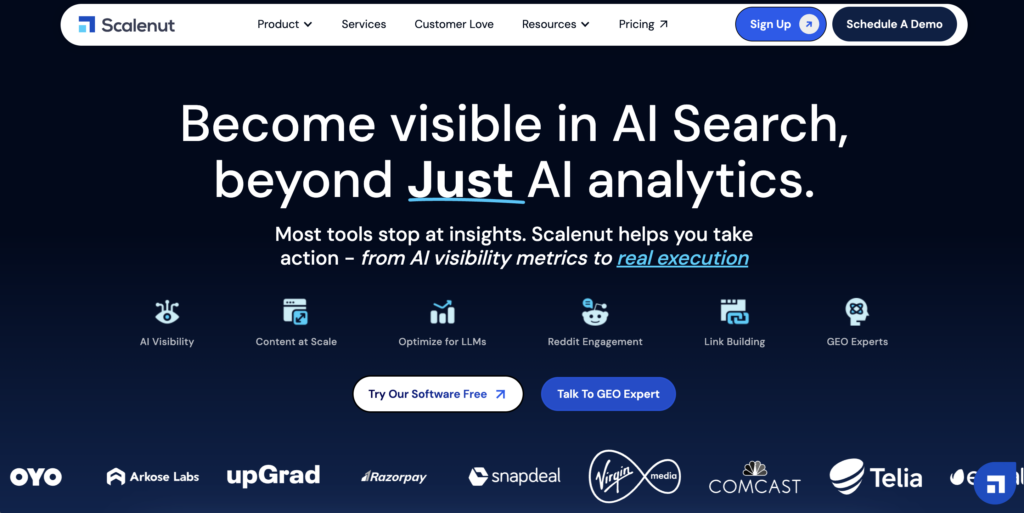
Best for: End-to-end content marketing workflow combining keyword research, brief creation, AI drafting, and optimization scoring
Core AI capability: Multi-stage AI pipeline: keyword clustering, competitor SERP analysis, NLP-based brief generation, GPT drafting, and real-time content scoring—all within one platform
Inputs it needs: Seed keyword or topic, target location, optional competitor URLs
Outputs you can ship: Keyword clusters with search intent labels, detailed content briefs, full AI-generated drafts, optimization score with fix recommendations, publishable HTML or Markdown
1 standout differentiator: Cruise Mode automates the entire content creation process—input a keyword, get a publication-ready draft with SEO score in under 5 minutes—unique among platforms attempting full-funnel automation
Key limitation / watch-out: Automation trades speed for originality; Cruise Mode drafts require heavy editing to differentiate from competitor content. Over-reliance on automation risks producing “SEO content mills” that lack brand voice.
Ideal user/team: Agencies managing 50+ clients or content teams producing 100+ articles/month; best when paired with editorial review process to inject unique insights
Integration note: WordPress plugin for direct publishing; exports to Google Docs, Notion, and content calendars
Classification: Content generation + optimization (full-funnel)
Who should NOT use this: Brands requiring thought leadership or high editorial standards; solo marketers who lack time to edit AI output thoroughly
AirOps
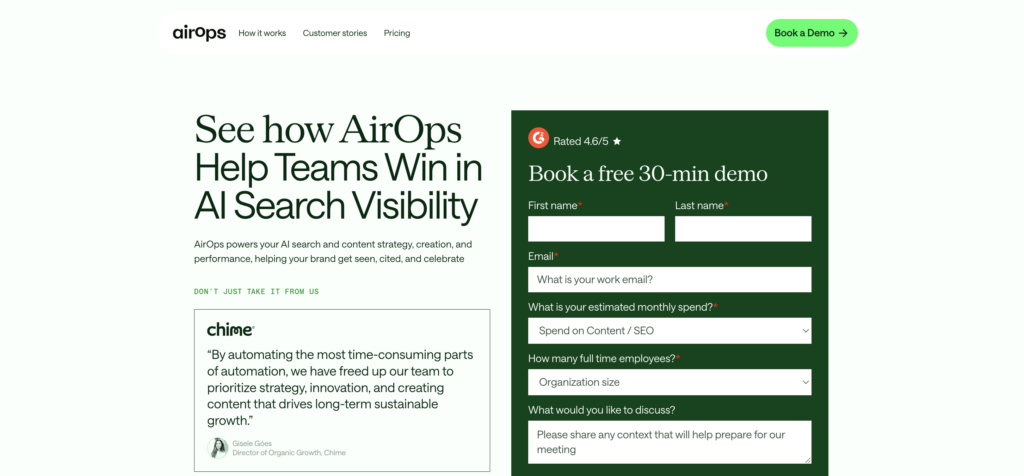
Best for: Programmatic SEO and bulk content generation for data-driven pages (product listings, location pages, FAQs)
Core AI capability: Workflow automation engine connects GPT models to spreadsheets, databases, and APIs; generates thousands of pages from templates using dynamic data inputs (product specs, location names, customer questions)
Inputs it needs: CSV or database with structured data (e.g., city names, product IDs, pricing), content template with merge fields, SEO rules for title/meta patterns
Outputs you can ship: Bulk-generated pages (HTML, Markdown, or JSON) ready for CMS import; automated schema markup insertion; internal linking rules applied at scale
1 standout differentiator: No-code workflow builder lets non-developers create programmatic SEO pipelines—connect Airtable → GPT → WordPress without writing a single API call
Key limitation / watch-out: Best for data-rich, repetitive content (e.g., “Plumbers in [City]”); struggles with nuanced, editorial content. Generated pages can trigger “thin content” penalties if not enriched with unique insights or user-generated content.
Ideal user/team: Ecommerce platforms, SaaS companies, and local service directories scaling to thousands of location or product pages; requires structured data foundation
Integration note: Native connectors for Airtable, Google Sheets, Webflow, WordPress; API-first for custom integrations
Classification: Content generation (programmatic/bulk)
Who should NOT use this: Editorial content teams; anyone lacking structured data or needing high-touch, human-written pages
Outranking
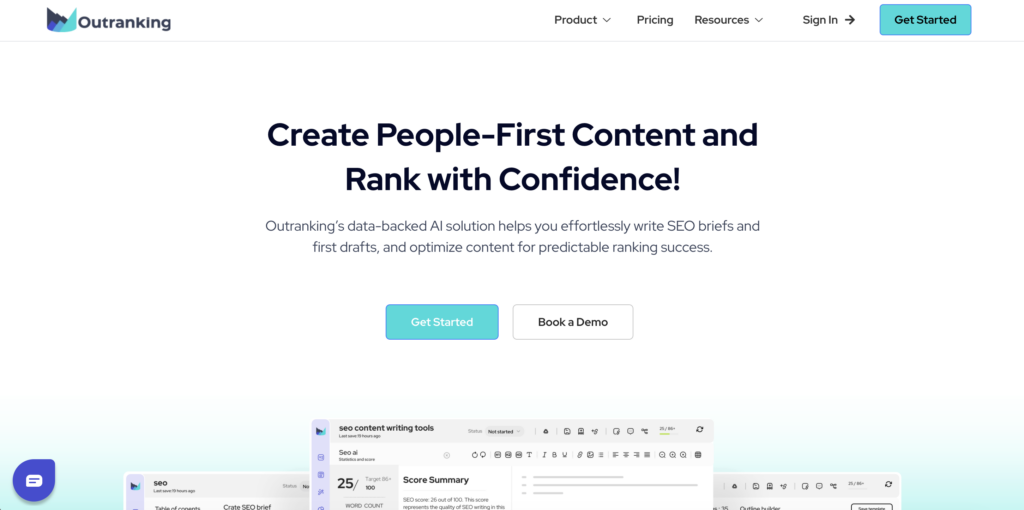
Best for: AI-first content generation with SERP-driven briefs and automated first drafts optimized for featured snippets
Core AI capability: GPT-4 drafting engine combined with SERP scraping; analyzes People Also Ask (PAA), featured snippets, and competitor outlines to auto-generate sections targeting quick-win SERP features
Inputs it needs: Target keyword, optional competitor URLs, content format preference (listicle, how-to, comparison)
Outputs you can ship: Full draft with H2/H3 structure matching SERP, FAQ section auto-populated from PAA, optimization score, featured snippet preview
1 standout differentiator: Featured snippet mode explicitly formats answers (paragraphs, lists, tables) to match Google’s preferred snippet structure for your target keyword—increasing chances of position zero ranking
Key limitation / watch-out: Heavy reliance on SERP scraping means drafts can be derivative; competitors using the same tool may produce similar outlines. Requires significant editing to add unique data, case studies, or insights.
Ideal user/team: Content marketers targeting SERP features and informational queries where featured snippets drive significant traffic; agencies optimizing for “how to” and “what is” keywords
Integration note: WordPress plugin; exports to Google Docs, Notion
Classification: Content generation + optimization (SERP-feature focused)
Who should NOT use this: Brands focused on thought leadership or commercial content where snippets are less relevant; writers who prefer manual outlining over AI-generated structures
Dashword
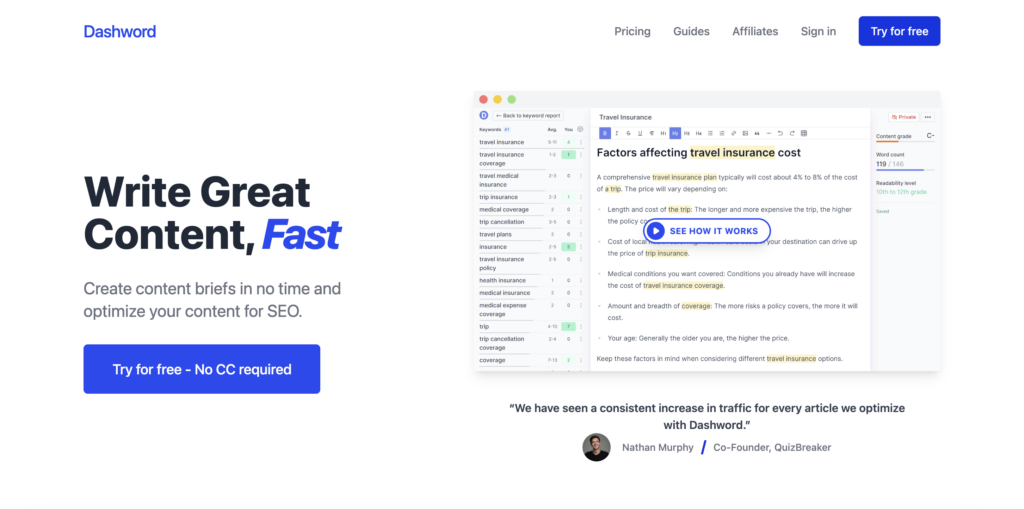
Best for: Lightweight content optimization for small teams needing actionable SEO feedback without enterprise complexity
Core AI capability: NLP content scoring based on SERP competitor analysis, with simplified recommendations (add these keywords, reduce word count here, improve readability)
Inputs it needs: Target keyword, existing draft or outline
Outputs you can ship: Optimization report with keyword density suggestions, readability score, content length target, competitive benchmark chart
1 standout differentiator: Minimalist UI with no learning curve—input keyword, paste draft, get scored in under 60 seconds; designed for non-SEO writers who need quick fixes without technical jargon
Key limitation / watch-out: Limited feature set compared to Clearscope or Surfer SEO; no SERP feature analysis, no content briefs, no keyword research. Purely optimization-focused, not strategy-focused.
Ideal user/team: Freelance writers, solo marketers, and small businesses (1–3 people) optimizing fewer than 50 pages/month; best for straightforward blog content
Integration note: No native integrations; copy-paste workflow only
Classification: Content optimization (lightweight)
Who should NOT use this: Agencies or enterprises needing workflow automation, API access, or multi-user collaboration; teams requiring keyword research or technical auditing beyond optimization scoring
GrowthBar
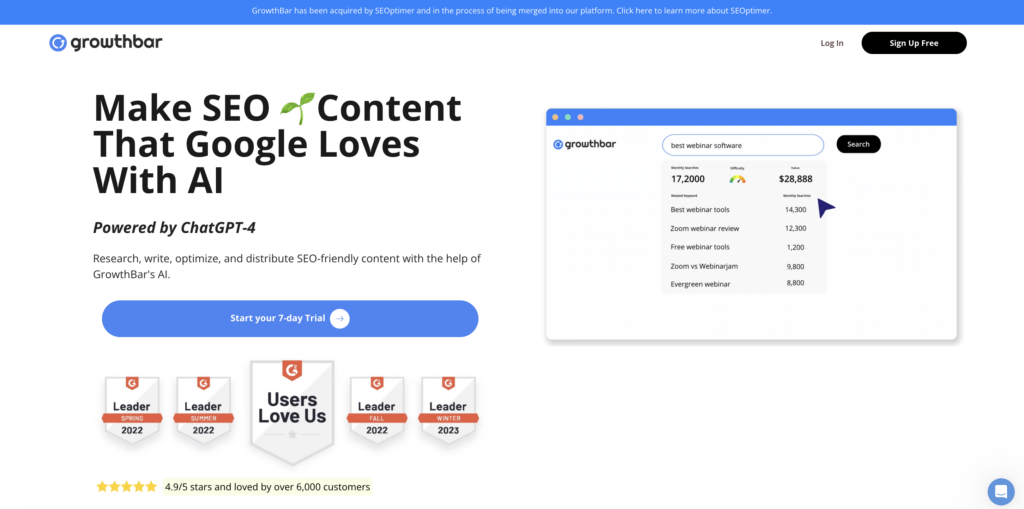
Best for: Chrome extension delivering instant keyword data, competitor analysis, and AI content outlines directly within Google search results
Core AI capability: Sidebar overlay in Google search displays keyword difficulty, search volume, backlink counts, and AI-generated content outlines for any search query—no need to switch tabs
Inputs it needs: None (passive); automatically activates when you perform Google searches; optional manual keyword input for deeper analysis
Outputs you can ship: Keyword metrics (volume, difficulty, CPC) overlaid on SERPs, competitor backlink counts, AI-generated blog outline with H2/H3 suggestions, keyword suggestions based on current query
1 standout differentiator: Zero-friction research workflow—competitive data and keyword metrics appear automatically during normal Google searches, eliminating tab-switching between SERP and SEO tools
Key limitation / watch-out: Chrome-only (no Firefox, Safari, or mobile); data accuracy depends on third-party APIs (not as robust as Ahrefs or Semrush databases). AI outlines lack depth compared to dedicated brief tools like Frase or Clearscope.
Ideal user/team: Content marketers and bloggers who research keywords opportunistically while browsing; solo creators needing quick competitive intel without committing to full platform subscriptions
Integration note: Chrome extension only; exports to Google Docs
Classification: Keyword research (browser-based)
Who should NOT use this: Teams requiring API access, bulk keyword analysis, or enterprise-grade data accuracy; Firefox/Safari users
NeuronWriter
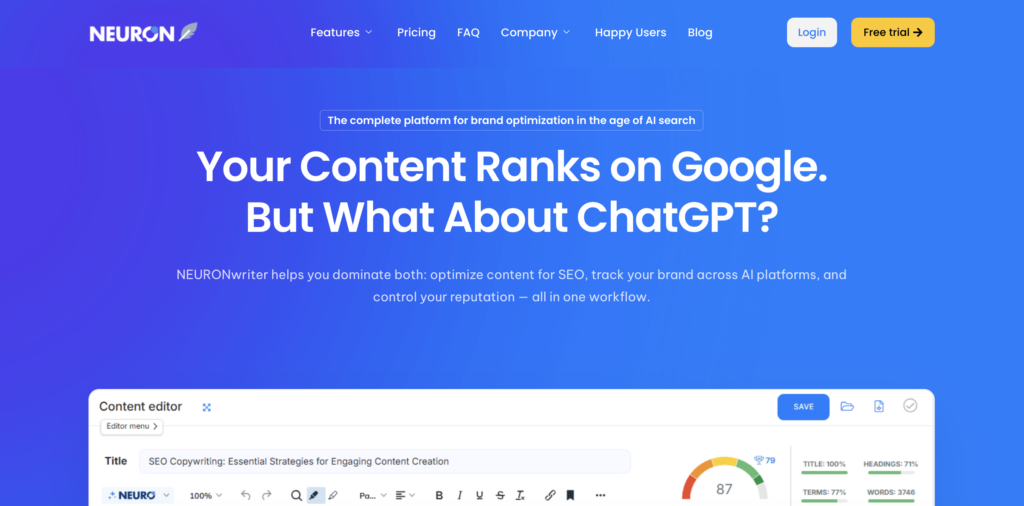
Best for: Semantic SEO optimization using NLP term clustering and entity extraction to improve topical relevance
Core AI capability: Advanced NLP identifies latent semantic indexing (LSI) keywords, entities, and co-occurring terms in top-ranking content; generates optimization recommendations based on semantic gaps, not just keyword density
Inputs it needs: Target keyword, competitor URLs, existing draft
Outputs you can ship: Content score based on semantic coverage, recommended entities and LSI terms, competitor term frequency analysis, optimized draft with inline suggestions
1 standout differentiator: Semantic graph visualization shows relationships between entities and topics in your content vs. competitors—helping writers understand why certain terms improve relevance, not just what to add
Key limitation / watch-out: Advanced semantic analysis requires understanding of NLP concepts (entities, co-occurrence, TF-IDF); less intuitive for non-technical writers. Recommendations can feel abstract without concrete examples.
Ideal user/team: Technical SEOs and content strategists focused on E-E-A-T signals and topical authority; teams optimizing for competitive, entity-heavy queries (e.g., medical, legal, financial)
Integration note: WordPress plugin; exports to Google Docs
Classification: Content optimization (semantic/entity-focused)
Who should NOT use this: Beginners needing simple keyword checklists; writers uncomfortable with technical SEO terminology
eesel AI blog writer
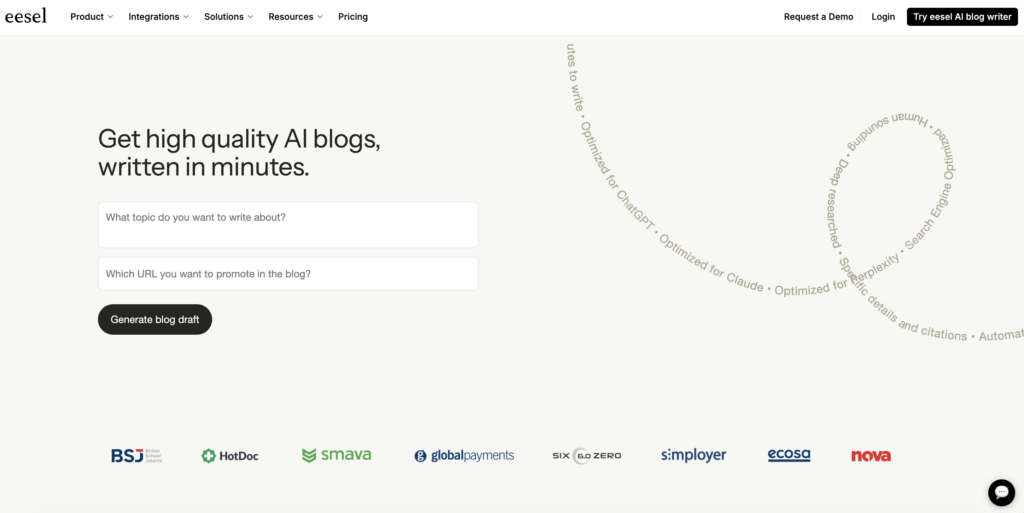
Best for: AI-powered blog post generation trained on your brand’s existing content to maintain consistent voice and style
Core AI capability: Custom GPT model fine-tuned on your uploaded content library (past blogs, brand guidelines, product docs); generates drafts that mimic your brand’s tone, terminology, and formatting patterns
Inputs it needs: Brand content library (PDFs, Google Docs, URLs), target topic or keyword, optional style instructions
Outputs you can ship: Full blog drafts matching your brand voice, auto-formatted with your preferred H2/H3 structure, inline citations to source material, SEO metadata suggestions
1 standout differentiator: Brand voice consistency—unlike generic GPT tools, eesel’s model learns your specific terminology, sentence structure, and content patterns, reducing post-generation editing time by up to 60%
Key limitation / watch-out: Requires substantial training data (20+ existing articles minimum) to achieve meaningful voice consistency; early outputs may still need heavy editing until model is fully trained. Not ideal for new brands without content history.
Ideal user/team: Established brands (SaaS, ecommerce, publishing) with large content libraries seeking to scale production while maintaining editorial consistency; content teams spending >50% of time on brand voice alignment
Integration note: Connects to Google Drive, Notion, Confluence for training data ingestion; exports to WordPress, HubSpot
Classification: Content generation (brand-trained)
Who should NOT use this: Startups or new brands lacking sufficient training content; teams prioritizing flexibility to experiment with multiple voices over strict consistency
Rankscale.ai
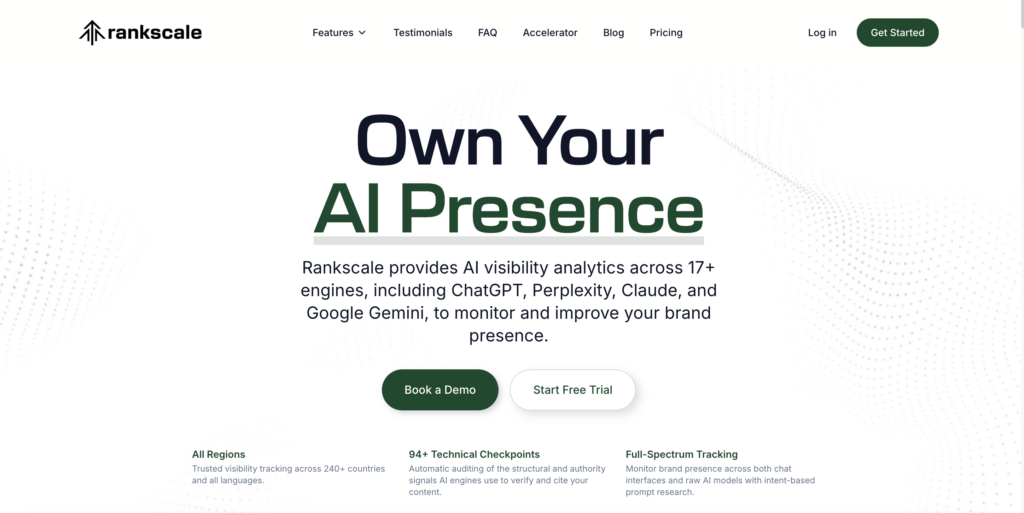
Best for: GEO (Generative Engine Optimization) content preparation focused on structured data, entity coverage, and answer-ready formatting for AI-powered search
Core AI capability: Entity extraction and knowledge graph alignment; analyzes your content to ensure it contains the people, brands, concepts, and factual triplets (subject-predicate-object) that LLMs require to cite your site as a source
Inputs it needs: Target topic or entity, existing content or draft, competitor URLs ranking in AI-generated overviews (ChatGPT, Perplexity, Google AI Mode)
Outputs you can ship: Entity coverage report highlighting missing triplets, schema markup recommendations, FAQ sections formatted for voice search and AI summaries, citation-readiness score
1 standout differentiator: GEO audit explicitly maps your content against LLM citation patterns—identifying which entities, dates, and facts are required for your content to appear in AI-generated summaries, not just traditional SERPs
Key limitation / watch-out: GEO is an emerging discipline; optimization recommendations are based on early LLM behavior patterns that may shift as models evolve. ROI is harder to measure since AI-overview impressions aren’t tracked in GSC.
Measurable outcome: Citation-readiness score (percentage of required entities covered), entity completeness vs. competitors, FAQ schema implementation status—proxy metrics for AI-overview inclusion
Ideal user/team: Forward-looking SEO teams preparing for AI-first search, brands targeting voice search and conversational queries, publishers seeking to become authoritative sources in LLM training data
Integration note: API-first; integrates with CMS platforms via webhook
Classification: GEO / AI-search visibility
Who should NOT use this: Teams focused exclusively on traditional SERP rankings; anyone needing immediate, measurable ROI rather than future-proofing for AI search
Search Atlas

Best for: All-in-one SEO software combining keyword research, site auditing, rank tracking, and backlink analysis with AI-powered content suggestions
Core AI capability: Machine learning recommends priority fixes across technical, on-page, and off-page SEO based on projected traffic impact; consolidates insights from multiple SEO disciplines into a single action plan
Inputs it needs: Domain, target keywords, competitor domains, Google Search Console connection (optional)
Outputs you can ship: Unified SEO roadmap with prioritized tasks, keyword opportunity lists, technical audit reports, backlink gap analysis, rank tracking dashboards, AI-generated content briefs
1 standout differentiator: Impact-based task prioritization—algorithm scores every recommended action by potential traffic lift, helping teams focus on high-ROI fixes rather than exhaustive checklists
Key limitation / watch-out: Broad platform attempting to compete with category leaders (Semrush, Ahrefs) in all areas; individual modules (e.g., backlink analysis, content scoring) are less sophisticated than dedicated tools. Best for generalists, not specialists.
Ideal user/team: Small agencies (5–15 clients) or in-house teams needing one consolidated platform instead of stitching together multiple subscriptions; budget-conscious teams willing to trade depth for breadth
Integration note: Google Search Console, Google Analytics, WordPress; API for custom reporting
Classification: Platform (all-in-one)
Who should NOT use this: Enterprises requiring best-in-class data accuracy for link building or keyword research; technical SEOs needing advanced crawl diagnostics beyond basic audits
Whatagraph
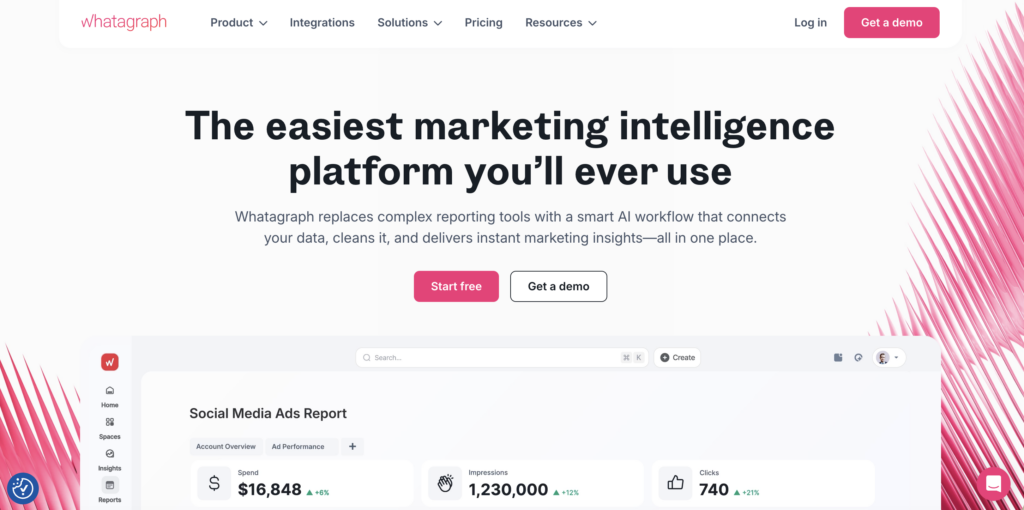
Best for: Automated SEO reporting and data visualization pulling metrics from Google Analytics, GSC, rank trackers, and third-party tools into white-label dashboards
Core AI capability: Automated anomaly detection flags unexpected traffic drops, ranking losses, or conversion declines; AI-generated executive summaries translate metric changes into plain-language insights
Inputs it needs: OAuth connections to Google Analytics, Google Search Console, Semrush, Ahrefs, or other data sources; custom report templates or pre-built industry templates
Outputs you can ship: Scheduled PDF/email reports, live dashboards (client-facing or internal), automated alerts for ranking drops or traffic anomalies, white-label reports with your branding
1 standout differentiator: Cross-platform data blending—combine SEO metrics (GSC, Semrush) with PPC (Google Ads), social (Facebook), and CRM (HubSpot) data in unified dashboards, showing holistic marketing performance
Key limitation / watch-out: Reporting-only tool; provides no optimization recommendations or execution features. Value depends entirely on quality of connected data sources. Not a replacement for analytics platforms—purely a visualization layer.
Ideal user/team: Agencies managing 10+ clients needing automated monthly reporting, CMOs requiring executive dashboards aggregating SEO + paid + social metrics
Integration note: 40+ native integrations including GA4, GSC, Semrush, Ahrefs, Google Ads, Facebook Ads, HubSpot
Classification: Reporting / attribution
Who should NOT use this: Solo marketers who can manually pull reports from individual platforms; teams needing tactical optimization tools rather than reporting automation
AthenaHQ

Best for: GEO content optimization preparing webpages to rank in AI-generated summaries and conversational search results (ChatGPT, Perplexity, Google AI Mode)
Core AI capability: LLM prompt simulation and entity extraction for preparing structured HTML outputs optimized for AI-driven search features
Inputs it needs: Relevant entity URLs, current draft content, SEO/structured data guidelines
Outputs you can ship: Entity-rich content drafts with structured data for AI index inclusion, user-intent matched headlines, answer-ready sections for AI summaries
1 standout differentiator: Prepares content specifically for AI-driven rankings, ensuring proper entity recognition and usage beyond standard SEO tactics—branded AI expertise signals specifically for new LLM algorithms
Key limitation / watch-out: Current LLM models’ algorithms are evolving, possibly impacting effectiveness. Requires close tracking of how changes affect search visibility without immediate feedback metrics in traditional SEO tools.
Ideal user/team: Brands in competitive sectors where conversational AI-driven search traffic is pivotal; teams with existing structured data and entity framework knowledge
Integration note: API-ready for integration in PaaS/CMS solutions and data solutions like GDE or custom JSON/GQL schemas
Classification: GEO / AI-search visibility
Who should NOT use this: Brands prioritizing short-term SEO objectives over long-term AI search positioning; teams lacking deep understanding of LLM behavior and structured data implementation
Perplexity
Best for: Rapid content generation for idea development through AI-driven brainstorming and extension
Core AI capability: GPT-3.5-backed ideation that expands primitive concepts into structured proposals and drafts with inherent assessments derived from seed topics provided
Inputs it needs: Preliminary text inputs describing main subject areas or directions
Outputs you can ship: Pre-tailored concepts and drafts for ideation processes, dynamic responses to seeded queries, supported topic extensions, AI sentence extension notes
1 standout differentiator: Specialist in creative extensibility and proposing avenues for campaign brainstorms, able to refine sparking concepts across exploratory content directions instantly
Key limitation / watch-out: Valuable for initial concept development but needs tandem validation due its highly adaptable narrative flair (lacks depth compared to measured SEO)
Ideal user/team: Marketing teams during proposal stages or content coordinators tasked with generating topic trees and idea sequences; extension is prioritized over completion
SEO-safe usage boundary: Employ for ideations and preliminaries; solidify post-construction outputs through other verified SEO suites, cross-referenced with analytics where requisite
Verification step: Merge resulting outputs back into Semrush or Ahrefs for keyword solidity or SEO tool insights to secure targeted localization within designs
Classification: Content generation (development)
Who should NOT use this: Execution-stage content implementations where full completion and orthodox adaptation drivers necessitate online proofing against more robust analytics data #####
Jet Octopus
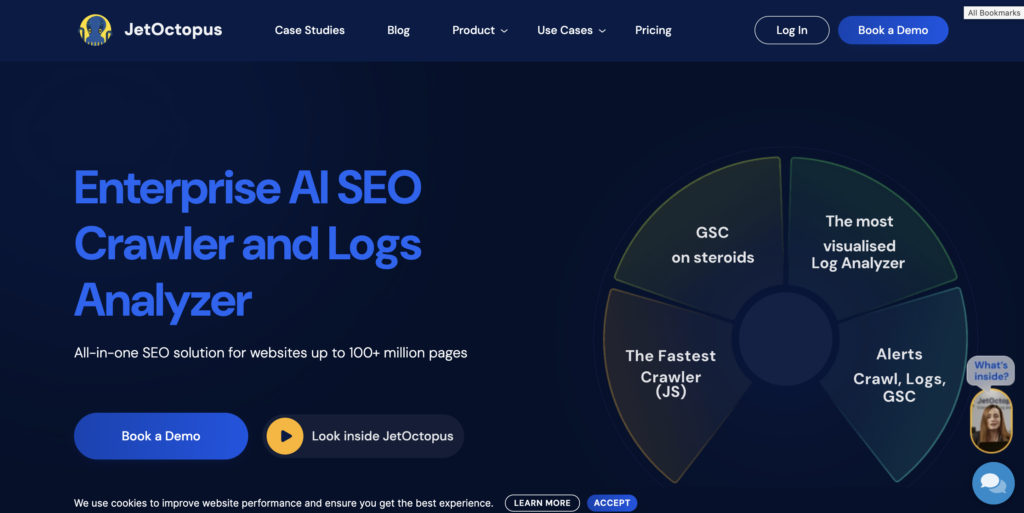
Best for: Technical SEO scanning prioritizing crawl depth, indexation efficiency, coverage gaps, and duplication concerns
Core AI capability: Advanced crawling with integration-mapping focuses with robust analytics reminding users of yet covered/unaddressed areas
Inputs it needs: Sitemap URLs, select target parameters, GSC/GA data (enhance capture insights)
Outputs you can ship: Crawl path and depth, snapshot report upon outliers in crawl patterns, duplication/control loss recognition, index coverage suggestions
1 standout differentiator: Identifies structural weaknesses with site architecture from crawl depth and SERP coverage standpoint; maps out end-to-end traversal paths typical vertical platforms may miss
Key limitation / watch-out: Overwhelming data volition for teams without previous technical audits; tracking configurations may require prior detailing to share insights well
Ideal user/team: Technical SEO managers and audit teams desirous of precise identification in crawl-specific examinations—expansive website oversight preferred
Integration note: Favor internal dashboards/PLCs given crawl analytics logic; renders data through customizable third-party support
Classification: Technical SEO (crawl diagnostics)
Who should NOT use this: Small-scale site owners needing general keyword optimization; brands looking largely beyond crawl or site-wide architectural elaborations
Comparison: Features, Pricing, and Fit
Before you commit to any AI SEO tool, align capabilities, pricing, and workflow requirements with your constraints. That’s how you avoid paying for features you won’t operationalize.
| Tool Category | Best For | Core Strengths | Primary Limitations | Typical Buyer | Integration Expectations | Collaboration Needs | Time-to-Value |
|---|---|---|---|---|---|---|---|
| On-Page Optimizer | Content teams needing page-level recommendations | SERP-aligned scoring, real-time content feedback, entity coverage | Recommendations often generic; limited technical SEO depth | SMB content marketers, agencies | Google Search Console, WordPress, basic CMS plugins | Low—mostly solo or small team use | 1–2 weeks |
| Technical Crawler | Large sites requiring comprehensive audits | Deep site architecture analysis, URL-level diagnostics, crawl orchestration | Steep learning curve; expensive at scale | Enterprise SEO, large in-house teams | GSC, GA4, log file integrations, APIs | Medium—shared dashboards, role-based access | 3–4 weeks |
| Content Brief Generator | Writers and editors producing volume content | Automated intent analysis, keyword clustering, competitor gap analysis | Briefs can lack strategic nuance; still require manual editing | Agencies, high-volume content teams | Google Docs, Notion, project management tools | High—needs templating and version control | 1 week |
| AI Writing Assistant | Teams seeking drafting speed | Fast first drafts, tone/voice customization, rewriting suggestions | Factuality issues; requires heavy editing and fact-checking | Solo marketers, startups, freelancers | Minimal—browser extensions, standalone apps | Low—individual use cases | Days |
| Internal Linking Tool | SEO teams managing site-wide link structure | Automated anchor text suggestions, orphan page detection, link distribution analysis | Limited semantic understanding; may suggest irrelevant links | In-house SEO, agencies with ongoing retainers | CMS integrations, WordPress plugins | Medium—requires content owner buy-in | 2–3 weeks |
| Rank Tracker with Local Pack | Local businesses and multi-location brands | ZIP-code granularity, local pack visibility, competitor heatmaps | Narrow focus—doesn’t replace full SEO suite | Local service providers, franchises, retail chains | Google Business Profile, Bing Places | Low—mostly reporting-focused | 1 week |
| All-in-One SEO Platform | Agencies and enterprises needing unified workflows | Combines crawling, keyword research, backlinks, and reporting | High cost; feature overlap can confuse new users | Agencies, enterprise teams | GSC, GA4, CMS, CRM, task management | High—multi-user accounts, API access | 4–6 weeks |
| AI Reporting Dashboard | Stakeholders needing executive summaries | Automated insights, customizable reports, client-facing dashboards | Limited diagnostic depth; relies on integrated data sources | Agencies reporting to clients, in-house execs | Ahrefs, Semrush, GSC, GA4 | Medium—shared reports, white-label options | 1–2 weeks |
Capabilities
Evaluate categories by execution quality, not checkboxes: intent and SERP analysis, on-page recommendations, briefs, generation, internal linking, technical auditing, rank tracking, reporting, and GEO/citation readiness.
One example that’s easy to miss: generation and rewriting should be grounded in source material, not free-floating. Citation readiness also matters more now—especially for teams using enterprise NLP stacks such as IBM Watson for internal knowledge management, where traceability standards can be higher than typical blog workflows.
And GEO can’t be optional forever. Tools should flag which pages are citation-ready and which need enrichment. If your tooling ignores GEO, you’re flying blind on AI answer surfaces. With 63.44% of search results now triggering GEO features and organic CTRs declining, preparing content for answer engines—not just search engines—has become a core requirement.
Pricing
AI SEO tools use common pricing models: freemium, free trial, seat-based, usage-based (credits), domain-based, and enterprise contract. To compare fairly, focus on cost per deliverable (briefs/pages/audits), not sticker price. Small businesses using AI tools strategically report faster cycle times and improved throughput, and that’s exactly where per-deliverable economics show up.
Micro-disclaimer: Pricing tiers, seat limits, credit allocations, and crawl caps change frequently as platforms update offerings. Verify current limits and add-on costs directly with vendors before purchase to avoid post-commitment surprises.
Output Quality
To compare tools consistently, score outputs on:
- Factuality and grounding
- SERP alignment
- Entity coverage
- Originality
- Controllability and editability
- Citation readiness
- Brand voice consistency
Use the same keyword, competitor set, and source material across tools, and test across multiple intents (informational, commercial, transactional). That’s the only way to separate tool quality from query volatility.
Workflow Fit
Tools succeed when they fit your publishing reality (briefing → drafting → optimization → publishing → validation → reporting). Map integration requirements at each step and avoid platforms that force manual copy-paste or re-import loops.
Scalability
If you expect to grow, evaluate multi-domain management, RBAC, crawl limits, bulk operations, APIs/webhooks, change history, and governance checks. If you manage very large sites, crawl orchestration and segmentation become non-negotiable—especially with platforms like Jet Octopus.
Use Cases and Practical Workflows
AI SEO tools accelerate execution across the entire optimization lifecycle when paired with structured workflows and quality gates. Below are nine practical playbooks that translate tool capabilities into measurable outcomes, complete with inputs, steps, handoffs, and guardrails to prevent common failure modes.
Content Briefing
When to use: Before any new content creation or major rewrite, when you need to align writers with search intent and competitive context without requiring deep SEO expertise.
Inputs: Primary target query, Google Search Console export of related queries, competitor URLs (top 5 SERP results), brand voice/compliance constraints, internal linking opportunities from site audit.
Workflow:
- Run SERP analysis via AI tool to extract common H2s, word counts, content formats (comparison tables, step lists), and semantic entities from top 10 results.
- Pull GSC data for the target query cluster to identify impression/CTR patterns and user language variations (e.g., “near me” variants vs. service-specific terms).
- Use AI to generate a SERP delta report: list subtopics covered by competitors but missing from your proposed outline, plus topics you can own that competitors overlook.
- Assemble brief template with: primary query, intent statement (informational/transactional/commercial), target audience persona, required entities (brands, dates, technical terms), outline with H2/H3 structure, internal link targets (3-5 URLs with suggested anchor text), SERP-format targets (e.g., “include comparison table with pricing column”), and “must-not-say” compliance notes (legal/brand restrictions).
- Add a QA checklist: does the outline answer the user’s core question in the first 200 words? Are competitive gaps addressed? Do internal links support conversion paths or pillar content?
- Hand off brief to writer as a Google Doc or project management ticket with clear acceptance criteria: “Brief approved = outline matches SERP structure + all required entities present.”
Outputs: Structured content brief document (1-2 pages), SERP gap list (bulleted), internal linking map (spreadsheet with source/target/anchor columns).
QA/Guardrails: Cross-reference AI-suggested subtopics against actual GSC queries to ensure real user demand exists; avoid purely model-driven topics. Verify that required entities are researchable (not hallucinated). Confirm internal link targets have relevant anchor opportunities and aren’t orphaned pages.
KPIs: Brief-to-draft turnaround time (target: <48 hours), writer questions per brief (aim for <3, indicating clarity), percentage of briefs requiring outline revisions pre-draft (target: <20%).
Tool features that matter: SERP scraping with H2 extraction, entity recognition, GSC integration for first-party query data, outline generator with customizable templates, collaboration/comment modes for editor feedback.
Common pitfalls: Over-relying on competitor mimicry without differentiation, ignoring zero-click SERP features (featured snippets, People Also Ask) that steal traffic, creating briefs so rigid they block creative angles, failing to update briefs when SERP dynamics shift mid-production.
Time to execute: 30–60 minutes for single brief; 2–3 hours for cluster of 5 briefs with shared research.
Content Refresh
When to use: When GSC shows declining impressions or CTR for historically strong pages, when competitors update content and rankings drop, when entities or data become outdated, or when cannibalization signals appear (multiple URLs competing for same query).
Inputs: GSC performance report (6-month trend for target URL), current page content, competitor pages that outrank you, keyword ranking tracker data, internal link audit showing anchor distribution.
Workflow:
- Run decision tree analysis using GSC signals: if impressions stable but CTR down → title/meta issue; if rankings down + competitors refreshed → content gap; if impressions split across multiple URLs → consolidation candidate; if entities outdated (old dates, deprecated terms) → refresh priority.
- Use AI tool to compare your page’s H2 structure and entity coverage vs. top 3 competitors; export a gap matrix showing missing subtopics and new entities they added.
- Pull a list of queries driving impressions to the page and identify queries with position 8–20 (quick-win opportunities) and queries where featured snippet appears (zero-click risk).
- Draft refresh hypothesis and log it in annotation system: “Adding comparison table and updating statistics to target Position 5 for [query]; expected CTR lift +2% based on SERP feature analysis.”
- Implement changes: update title/meta with CTR-optimized phrasing, add missing H2s to address competitor gaps, refresh entities (dates, prices, brand names), insert internal links to related content (2-4 contextual links), add schema markup if competitors use it.
- Submit updated page to GSC for re-indexing and set calendar reminder for 21-day performance check.
- Hand off to SEO lead: provide before/after content comparison, hypothesis log, and GSC tracking bookmark for reportable metrics.
Outputs: Annotated changelog document (what changed + why), updated page with version history, GSC tracking segment for post-refresh monitoring.
QA/Guardrails: Verify that refresh doesn’t dilute existing rankings (check for keyword density over-optimization). Ensure new entities are factually accurate and sourced. Avoid changing URL structure unless consolidating (301 redirect plan required). Run plagiarism/originality check if AI rewrote large sections to prevent duplicate content penalties.
KPIs: Post-refresh ranking improvement (target: +3 positions within 30 days for quick-win queries), CTR delta (compare 30 days pre- vs. 30 days post-refresh, target: +15%), impression recovery rate for declining pages (target: 70% of pages stabilize or grow).
Tool features that matter: GSC direct integration with historical trend charts, competitive content analysis with side-by-side diff view, entity extraction and freshness scoring, annotation/changelog tracking inside the tool, re-indexing API integration.
Common pitfalls: Refreshing too frequently (Google needs time to re-evaluate), changing too many variables at once (can’t isolate what worked), ignoring user behavior signals (bounce rate, time on page) that indicate deeper UX issues, over-optimizing for keywords and losing readability, failing to address zero-click SERP features (58% of Google searches end without a click, meaning visibility alone doesn’t guarantee traffic).
Time to execute: 45–90 minutes per page (single refresh); 4–6 hours for batch of 10 pages with shared competitor research. Minimum viable version: title/meta update + 1 new H2 section. Scaled version: full outline restructure + internal linking overhaul.
Internal Linking
When to use: After publishing new pillar content, when orphaned pages exist (no internal links pointing to them), when conversion paths are unclear, or when you want to reinforce entity relevance for specific queries.
Inputs: Site crawl data (all URLs + existing internal links), keyword mapping (which pages target which queries), conversion funnel map (awareness → consideration → decision pages), GSC data showing pages with impressions but low CTR (link opportunity signals).
Workflow:
- Run site crawl via AI tool and export pages with 0-2 inbound internal links (orphan candidates) and pages with high authority (many inbound links) but low traffic (redistribution opportunities).
- Use AI to match orphaned pages with contextually relevant anchor opportunities on high-traffic pages: tool should suggest source URL, target URL, 3 anchor text variants (exact match, partial match, branded), placement location (within H2 section, in intro paragraph, in related resources box), and rationale (entity reinforcement vs. conversion path support).
- Filter suggestions to avoid over-optimization: flag if same anchor text used >3 times sitewide, if relevance score is below threshold (AI should calculate based on semantic similarity), if link is in sitewide boilerplate (footer/sidebar).
- Generate lightweight linking map artifact in spreadsheet: columns for source URL, target URL, suggested anchor (choose one variant), placement location, and priority score (based on traffic potential + conversion value).
- Assign implementation to content team or developer with specific acceptance criteria: “Link must appear within first 500 words of source page, anchor must match approved variant, must pass crawl check post-deployment.”
- Deploy links in batches (10-20 per week) to avoid sudden link velocity spikes that might trigger manual review.
- Hand off tracking to SEO analyst: provide updated linking map with implementation dates and GSC tracking segment for target pages to measure impression/ranking lift.
Outputs: Internal linking map (spreadsheet), annotated source pages with link placements marked, post-deployment crawl report showing new link graph.
QA/Guardrails: Avoid circular linking (A → B → A with same anchor), ensure anchor text diversity across similar targets, never link from low-quality or thin content pages (dilutes link equity), run pre-deployment check to confirm target pages are indexable and not noindexed/canonicalized away.
KPIs: Ranking lift for target pages (track position for their primary query, target: +2-5 positions within 45 days), impression growth for previously orphaned pages (target: 50% increase within 60 days), crawl depth reduction (target: 90% of important pages reachable within 3 clicks from homepage).
Tool features that matter: Site crawl with link graph visualization, semantic similarity scoring for anchor/target relevance, anchor text repetition alerts, bulk link suggestion export with priority ranking, integration with Google Search Console to correlate link changes with ranking shifts.
Common pitfalls: Linking solely based on keyword match without considering user journey, using overly aggressive exact-match anchors (Penguin penalty risk), neglecting to update old content with links to new content (one-way linking bias), creating links in auto-generated sections that users ignore (low engagement signals), failing to remove or update broken internal links during refresh cycles.
Time to execute: 1–2 hours for 20-page linking audit and map creation; 30 minutes per batch of 10 link implementations. Minimum viable version: fix orphaned pages only. Scaled version: full site link architecture redesign with conversion path optimization.
Content Clustering
When to use: When launching a new topic area, when keyword cannibalization is detected (multiple pages competing for same query), when you need to establish topical authority, or when planning a content hub or resource center.
Inputs: Keyword research export (all target queries for the topic), existing site content audit, competitor cluster analysis (how they organize related content), internal linking structure, user intent classification per keyword.
Workflow:
- Use AI tool to group keywords by semantic similarity and intent: tool should output clusters with a suggested pillar query (high volume, broad intent) and supporting queries (long-tail, specific intent).
- Define cluster boundaries explicitly: document what topics are intentionally excluded to prevent scope creep (e.g., “email marketing cluster excludes social media tactics”).
- For each cluster, assign one pillar URL (comprehensive guide, 2000+ words) and 3-8 supporting URLs (focused tutorials, comparisons, case studies).
- Map intent per page: pillar = informational overview; supporting = mix of commercial (comparison, “best of”) and transactional (how-to, implementation guides).
- Establish internal link rules: all supporting pages must link to pillar with branded or topical anchor (not exact-match keyword), supporting pages can cross-link only when intents align (e.g., two how-to guides can link, but don’t force link from comparison post to implementation tutorial unless contextually relevant).
- Create cluster artifact document: pillar URL, list of supporting URLs with primary query and intent label, internal link map showing hub-and-spoke structure, success metrics (combined cluster impressions, average position for cluster queries).
- Hand off to content production team: provide cluster map, briefs for each supporting URL, and timeline (publish supporting content before or concurrent with pillar to maximize internal link value).
Outputs: Cluster map document (visual diagram or spreadsheet), keyword-to-URL mapping sheet, internal linking rules checklist, editorial calendar with sequenced publish dates.
QA/Guardrails: Verify no keyword overlap between supporting pages (each should have distinct primary query), ensure pillar is substantive enough to justify hub status (check competitor pillar word counts as baseline), avoid creating doorway page patterns (thin pages with identical structure, just swapping keywords), run pre-publish crawl simulation to confirm cluster URLs are properly interlinked before going live.
KPIs: Cluster-wide impression growth (aggregate GSC impressions for all URLs in cluster, target: 40% increase within 90 days), pillar page ranking for head term (target: Page 1 within 6 months), internal link equity distribution (supporting pages should rank for their long-tail queries within 60 days, target: 60% in top 10).
Tool features that matter: Keyword clustering algorithm with intent labeling, competitor cluster detection (reverse-engineer their hubs), internal link graph builder, cluster performance dashboard (aggregate metrics across URLs), template generator for pillar + supporting page briefs.
Common pitfalls: Creating too many small clusters instead of robust hubs (dilutes authority), publishing pillar before supporting content exists (no internal links to leverage), over-optimizing anchor text between cluster pages (looks manipulative), neglecting to update pillar when supporting content expands (stale hub), failing to promote pillar externally (clusters need backlinks to gain traction).
Time to execute: 2–3 hours for initial cluster definition (20-30 keywords); 4–6 hours for full cluster build-out including briefs for 5 supporting pages. Minimum viable version: 1 pillar + 3 supporting pages. Scaled version: multi-tier cluster with sub-pillars and 20+ supporting URLs.
Local SEO
When to use: For businesses with physical locations or service areas, when targeting city-specific or “near me” queries, when Google Business Profile optimization is a priority, or when local pack visibility drives significant traffic. Local workflows are high-leverage because 46% of Google searches show local intent, making geo-targeted optimization critical for capturing nearby customers.
Inputs: Google Business Profile data, NAP citations audit, GSC queries filtered for location modifiers, competitor local pack analysis, service area definitions, on-page content inventory for location pages.
Workflow:
- Extract local-intent queries from GSC: filter for queries containing city names, “near me,” zip codes, or implicit location terms (e.g., “plumber [city]” vs. just “plumber”); group by explicit vs. implicit location signals to prioritize optimization.
- Audit existing location pages for thin/duplicate content risks: verify each page has unique content (not just city name swaps in a template), distinct service-area descriptions, and local entity mentions (landmarks, neighborhoods).
- Optimize on-page elements for local intent: add location modifiers to title tags (e.g., “Emergency Plumber in [City] | 24/7 Service”), include city-specific H2s (e.g., “Serving Downtown [City] and [Neighborhood]”), embed Google Maps with business location, ensure NAP is consistent with Google Business Profile and citations.
- Run QA check to prevent doorway page patterns: if creating multiple location pages, each must have substantive unique content (local testimonials, area-specific FAQs, neighborhood guides); tool should flag pages with >80% content similarity.
- Build local backlinks: use AI to identify local business directories, chamber of commerce sites, and local news outlets for outreach; prioritize links from domains with same city-level geo-targeting.
- Sync Google Business Profile optimization: ensure GBP categories match on-page service descriptions, upload location-specific photos, post updates about local events or service-area expansions.
- Hand off to local marketing team: provide updated location page URLs, citation audit report with fix priorities, and GBP posting calendar with ready-to-publish content.
Outputs: Local SEO audit report (citation consistency score, on-page gaps, competitor local pack rankings), updated location pages with geo-optimized content, GBP posting calendar, local backlink target list.
QA/Guardrails: Verify NAP consistency across all location pages, citations, and GBP (exact match required—use tool to flag discrepancies), ensure service area definitions don’t overlap in confusing ways (e.g., two locations claiming same zip code), avoid keyword stuffing location modifiers (natural language required), check that location pages aren’t noindexed or canonicalized to a national page.
KPIs: Local pack appearances (track via Map Rank Tracker, target: 50% increase in target cities within 90 days), organic traffic from local queries (GSC filter, target: 30% growth), GBP actions (calls, direction requests, website clicks; target: 20% lift), citation consistency score (target: 95%+ across top 50 directories).
Tool features that matter: GSC integration with location-query segmentation, NAP citation audit with auto-fix distribution, Google Business Profile management with posting scheduler, local rank tracking at city/zip level, duplicate location page detector.
Common pitfalls: Creating identical location pages with only city name swapped (Google penalizes doorway pages), inconsistent NAP across platforms (confuses Google and users), neglecting GBP activity (inactive profiles rank lower), targeting service areas beyond actual coverage (misleads customers and violates GBP policies), ignoring mobile UX (local searches are predominantly mobile).
Time to execute: 2–3 hours for single-location audit and optimization; 6–10 hours for multi-location setup (5 locations) with citation distribution. Minimum viable version: GBP optimization + NAP audit. Scaled version: 50+ location pages with unique content + automated citation management.
Ecommerce SEO
When to use: For online stores optimizing product and category pages, when faceted navigation creates indexation issues, when managing large product catalogs with variant pages, or when product descriptions are manufacturer-provided (duplicate content risk).
Inputs: Product catalog export (SKUs, categories, variants), competitor product page analysis, keyword mapping for category vs. product intent, internal search query data, faceted navigation structure, manufacturer description audit.
Workflow for Category Pages:
- Run SERP analysis for category-level queries (e.g., “running shoes,” “wireless headphones”) to identify content expectations: are top results buying guides, comparison tables, or filterable product grids?
- Use AI to generate category page content that balances SEO and UX: intro paragraph answering “what makes a good [category]” (150-200 words), comparison table of top products (filterable by key attributes), FAQs addressing common buyer questions, internal links to related categories and buying guides.
- Optimize category page metadata: title should include category keyword + value prop (e.g., “Wireless Headphones | Free Shipping + 60-Day Returns”), meta description should highlight USPs and call to action.
- Address faceted navigation indexation risks: use AI to recommend which facet combinations to index (high search volume, distinct intent) vs. noindex (duplicate content, low value); generate rules for parameter handling in robots.txt and canonical tags.
- Implement schema markup for category pages: use Product schema for featured items, BreadcrumbList for navigation, AggregateRating if displaying review summaries.
Workflow for Product Pages:
- Audit product descriptions for manufacturer content duplication: use AI plagiarism checker to flag pages with >70% duplicate content, prioritize rewrite for high-traffic or high-margin products.
- Enrich product pages with unique content: add usage tips, sizing guides, compatibility notes, customer testimonials (structured data), video demos, related product recommendations with contextual anchors.
- Optimize product page metadata: title should include product name + key differentiator (e.g., “Sony WH-1000XM5 Wireless Headphones | Noise Cancelling”), meta description should include price, availability, and benefit statement.
- Implement intent-aware internal linking: link product pages to informational buying guides (commercial intent → informational), cross-link related products (transactional → transactional), link back to category page (breadcrumb + contextual link in product description).
- Run QA check for variant page issues: ensure color/size variants use canonical tags pointing to master product, verify variant URLs aren’t creating thin content (each variant page needs unique content if indexed separately).
Outputs: Optimized category pages with SEO content blocks, rewritten product descriptions for duplicate-flagged pages, faceted navigation indexation strategy document, schema markup implementation guide, internal linking map for product ↔ category ↔ guides.
QA/Guardrails: Use AI to detect manufacturer description duplication (flag if >3 stores use identical text), ensure faceted URLs with noindex directives aren’t in XML sitemap (avoids indexation confusion), verify product pages with “out of stock” status use appropriate schema (Availability), avoid keyword cannibalization between category and product pages (distinct intents required).
KPIs: Category page rankings for head terms (target: Page 1 within 6 months), product page visibility for branded + modifier queries (e.g., “[brand] [product] review,” target: 70% in top 10), organic conversion rate from SEO traffic (target: match or exceed paid search CVR), duplicate content reduction (target: <10% of indexed product pages flagged as duplicates).
Tool features that matter: E-commerce crawl with variant page detection, duplicate content checker with manufacturer database, faceted navigation simulator (predict indexation impact), schema generator for Product and AggregateRating, internal link opportunity finder filtered by intent (transactional → informational).
Common pitfalls: Indexing all facet combinations (creates massive duplicate content), using manufacturer descriptions without enrichment (loses rankings to competitors with unique content), neglecting category page content (leaves category queries to competitors’ buying guides), mismatched intent (linking product pages to informational blog posts with no conversion path), ignoring mobile UX (product page load speed and image optimization critical for mobile shoppers).
Time to execute: 3–4 hours for category page optimization (5-10 categories); 1–2 hours per product page rewrite (prioritize top 20 revenue-driving products). Minimum viable version: unique category intros + manufacturer description rewrites for top 10 products. Scaled version: 500+ product pages with enriched content + automated faceted navigation rules.
Content Production
When to use: When scaling content output, when multiple writers/agencies contribute and quality consistency is a risk, when brand voice and compliance constraints must be enforced, or when you need to balance throughput with SEO rigor.
Inputs: Content calendar with assigned topics, approved content briefs (from Content Briefing workflow), brand voice guide, compliance/legal restrictions, SEO checklist (entities, links, intent), writer performance benchmarks.
Workflow:
- Ingest brand and compliance constraints into AI tool: upload brand voice guide (tone, vocabulary, phrases to avoid), legal compliance notes (claims that require disclaimers, restricted terms), and SEO requirements (minimum word count, entity density, internal link targets).
- Generate AI-assisted first draft from approved brief: tool should produce outline-based draft that adheres to brief structure, includes required entities, and suggests internal link placements with anchors.
- Implement quality gate 1 (Outline Approval): editor reviews AI-generated outline against brief, checks for logical flow and competitive gaps, approves or requests revisions before full draft generation.
- Generate full draft with SEO optimization: AI writes complete article following outline, embedding entities naturally, adding internal links with contextual anchors, suggesting meta title/description, flagging sections that need human expertise (e.g., original research, case studies).
- Implement quality gate 2 (Editor Pass): human editor reviews for brand voice alignment, factual accuracy, readability (Flesch score target: 60+), adds original insights or examples AI can’t generate, verifies all mandatory entities are present and correctly used.
- Implement quality gate 3 (SEO QA): SEO analyst checks entity coverage (compare vs. SERP competitors), validates internal links (correct targets, natural placement, no broken links), confirms meta tags follow templates, ensures content matches target intent (use AI intent classifier to verify).
- Run originality check: use AI plagiarism detector to flag any sections with >15% similarity to existing content, rewrite flagged sections to ensure uniqueness.
- Final publish checklist: schema markup added (Article, FAQPage if applicable), images optimized with alt text, URL structure matches conventions, XML sitemap updated, GSC indexing requested.
- Hand off to content manager: provide published URL, performance baseline (current rankings, if updating existing page), and 30-day review reminder for post-publish analysis.
Outputs: Published article with all SEO elements, quality gate approval log (who approved each stage), originality report, post-publish tracking segment in GSC.
QA/Guardrails: Require human review at every quality gate (no fully automated publishing), enforce entity checklist (minimum 5 unique entities from brief), verify internal links open in same tab and point to indexable pages, ensure AI-generated content doesn’t include competitor brand names unless explicitly allowed in brief (avoid trademark issues).
KPIs: Content throughput (articles published per week, target: match or exceed pre-AI baseline), time to publish (brief approval → live article, target: <7 days), quality score (average editor revision time + SEO QA pass rate, target: 80% pass without major rewrites), post-publish ranking velocity (percentage of articles ranking in top 50 within 30 days, target: 60%).
Tool features that matter: Brand voice ingestion with compliance rule enforcement, multi-stage workflow with approval gates, entity extraction and density scoring, internal link suggestion with relevance filtering, plagiarism detection, draft versioning with rollback, integration with CMS for one-click publishing.
Common pitfalls: Skipping human review to “save time” (produces generic, off-brand content), allowing AI to write entire articles without editor enrichment (lacks depth and originality), failing to update brand voice guide as company messaging evolves (AI perpetuates outdated tone), neglecting to QA internal links post-publication (broken links harm UX and SEO), over-relying on AI for E-E-A-T signals (expertise and authoritativeness require human contribution).
Time to execute: 4–6 hours per article (brief → publish) with quality gates; scales to 10–15 articles per week with dedicated team. Minimum viable version: AI draft + human editor pass + SEO QA. Scaled version: Multi-writer production line with automated QA checks and parallel editing.
Technical Remediation
When to use: When site audits reveal crawl errors, indexation issues, or performance problems, when search visibility drops without clear content cause, when migrating sites or launching redesigns, or when managing large sites where manual triage is infeasible.
Inputs: Full site crawl data (Screaming Frog, Semrush, Ahrefs), Google Search Console coverage report, Core Web Vitals data, server log files (for high-priority pages), backlink profile (to identify broken link targets), historical traffic data (to assess impact of issues).
Workflow:
- Run AI-powered crawl analysis to categorize issues by type: crawl errors (4xx, 5xx, timeout), indexation problems (noindex, canonical conflicts, orphaned pages), performance issues (CWV failures, large images, render-blocking resources), content quality signals (thin content, duplicate titles, missing schema).
- Generate triage rubric for each issue using AI scoring: Impact = % of affected pages × average traffic per page; Confidence = data quality score (GSC evidence, crawl reproducibility); Effort = estimated dev hours (AI should classify as low/medium/high based on issue type); Risk = potential for breaking changes (URL structure, canonicals).
- Use AI to convert high-priority issues into developer-ready tickets: Title (specific, actionable, e.g., “Fix 301 redirect chains on /blog/ category pages”), Reproduction steps (how to observe the issue), Expected behavior (correct implementation), Acceptance criteria (pass/fail tests), Supporting evidence (screenshots, GSC reports, affected URL list).
- Cross-reference GSC Coverage report with crawl data: identify pages that are crawled but not indexed (indexation barriers), indexed but not crawled recently (potential de-prioritization), and submitted in sitemap but returning errors (sitemap quality issues).
- Pull server logs for high-value pages to verify Googlebot crawl frequency and status codes; use AI to flag anomalies (e.g., 200 status in crawl but 404 in logs indicates cloaking issue).
- Prioritize fixes using weighted scoring: multiply Impact × Confidence ÷ (Effort + Risk); output a ranked backlog with estimated sprint capacity (assumes 40 dev hours per sprint, classify issues as 1-point, 2-point, 5-point based on effort).
- Hand off to development team: provide prioritized backlog in project management tool (Jira, Asana), assign each ticket to appropriate owner (frontend, backend, DevOps), schedule sprint planning session to commit to fixes, set up automated post-fix verification (re-crawl affected URLs, check GSC for indexation status updates).
Outputs: Technical SEO backlog (prioritized ticket list), developer-ready issue tickets with acceptance criteria, triage rubric scorecard, post-fix verification plan (re-crawl schedule, GSC monitoring segments).
QA/Guardrails: Require crawl evidence before creating tickets (no fixes based on speculation), verify issues are reproducible (some crawl errors are transient), ensure fixes won’t introduce new problems (e.g., fixing canonicals shouldn’t create redirect loops), mandate staging environment testing before production deployment, set up rollback plan for high-risk changes (URL structure, redirects).
KPIs: Issue resolution rate (tickets closed per sprint, target: 80% of committed backlog), indexation improvement (percentage of “discovered but not indexed” pages that move to “indexed” within 60 days, target: 50%), crawl error reduction (target: <1% of crawled pages returning errors), Core Web Vitals pass rate (target: 75% of page loads pass all three metrics within 90 days).
Tool features that matter: Automated site crawl with issue categorization, GSC integration for coverage report overlay, triage scoring algorithm with customizable weights, ticket generator with template support, server log analyzer for Googlebot activity, post-fix verification automation (re-crawl scheduler, alerting).
Common pitfalls: Fixing low-impact issues first because they’re easy (wastes dev time), ignoring effort/risk in prioritization (creates bottlenecks), creating vague tickets that require back-and-forth (slows execution), deploying fixes without staging tests (introduces regressions), neglecting to monitor post-fix (can’t prove ROI or catch new issues), treating technical SEO as one-time project instead of ongoing maintenance.
Time to execute: 3–5 hours for initial crawl analysis and triage (1000-page site); 8–12 hours for backlog creation with developer tickets (50+ issues). Ongoing: 2–4 hours per week for monitoring and new issue triage. Minimum viable version: Fix critical crawl errors + indexation blockers. Scaled version: Automated monitoring with alerting + monthly sprint cycles for continuous improvement.
Reporting
When to use: For regular stakeholder updates (weekly tactical, monthly executive), when justifying SEO budget or headcount, when correlating SEO efforts with business outcomes, or when anomalies (traffic drops, ranking volatility) require investigation and communication.
Inputs: Google Search Console data (queries, pages, impressions, clicks, CTR, position), Google Analytics data (sessions, conversions, revenue from organic), rank tracking data (keyword positions over time), completed SEO initiatives log (what was launched and when), competitor benchmarking data, business KPI targets (leads, sales, revenue).
Workflow:
- Define reporting cadence and audience: Weekly tactical reports for SEO team (focus: quick wins, blockers, next actions); Monthly exec reports for leadership (focus: business impact, strategic wins, resource needs). Use AI to generate audience-appropriate narrative tone (technical vs. business language).
- Set up standard visual artifacts: Top wins chart (keywords with largest position gains + estimated traffic lift), Top losses chart (keywords with drops + hypothesized causes), Impressions/clicks trend (12-month view with annotations for major initiatives), CTR by query type (branded vs. non-branded, informational vs. transactional), Conversion funnel from organic (sessions → leads → customers).
- Use AI to generate narrative summaries for each section: “Impressions grew 23% MoM driven by content refresh on 12 high-authority pages (see annotation log); however, clicks grew only 8% due to increased zero-click SERP features (featured snippets now appear for 34% of target queries, up from 28% last month).” Note: Zero-click behavior context is critical because 58% of Google searches end without a click, meaning visibility metrics can be misleading without click-through analysis.
- Implement alerts and anomalies detection: Define thresholds for automatic flagging (CTR drop >15% WoW, impression loss >20% for top 10 pages, indexation drop >5%, publish-to-rank lag >45 days for new content). AI should generate alert descriptions with suspected causes and recommended actions.
- Correlate SEO activities with outcomes: For each major initiative completed in reporting period (content refresh, technical fix, backlink campaign), pull before/after metrics for affected pages/queries. Use AI to calculate confidence intervals (did performance improve beyond normal variance?).
- Add competitive context: Show how your position change compares to competitor movements (did you gain share or did entire category grow?). Use AI to flag when competitors launch new content or make technical changes that impact your rankings.
- Generate actionable next steps: Each report section should end with 2-3 recommended actions with owner assignment and target completion dates. For exec reports, roll up to strategic priorities (e.g., “Invest in local SEO to capture 46% of searches with local intent”).
- Hand off to stakeholders: Email report as PDF + interactive dashboard link (Google Data Studio, Tableau), schedule review meeting with agenda tied to report sections, document questions/feedback in shared notes for next report iteration.
Outputs: Formatted report deck (PDF or slides), interactive dashboard with filters (by query type, page section, time period), alerts log with status updates (issue identified → action taken → outcome), meeting notes with stakeholder feedback and approved next actions.
QA/Guardrails: Verify data freshness (GSC has 2-3 day lag; note in report if using partial-month data), cross-check GA and GSC for discrepancies (different attribution models; document methodology), avoid vanity metrics without context (impressions alone don’t prove value; tie to clicks and conversions), ensure annotations explain causality (don’t just report “rankings dropped”—document why and what’s being done to address it).
KPIs: CTR improvement for focus pages (target: +10% MoM), sessions from organic sources (goal: maintain or increase YoY), keyword position stability (target: 70% of key terms stable or improving each month), anomaly resolution effectiveness (issue detected → reported → resolved; target: 80% resolution by next report cycle).
Tool features that matter: Automated data pull from GSC/GA, narrative generator for report summaries, anomaly detection with alert trigger customization, interactive visualization tools (for dashboards), competitor rank monitoring (to contextualize performance shifts), trend analysis with AI-driven insights.
Common pitfalls: Overloading stakeholders with too much data (report paralysis), failing to connect SEO efforts to business metrics (budget justification issue), neglecting to update report templates with new priorities or metrics (outdated focus), treating reporting as a one-time task rather than ongoing optimization and strategy alignment.
Risks and Key Considerations
AI-powered SEO tools accelerate workflows and uncover opportunities, but these benefits come with concrete risks—even when using top-tier platforms. The risks compound as you automate more tasks and scale production, making guardrails essential before you publish content, share proprietary data, or integrate tools into client workflows. This section covers practical safeguards to implement across three critical areas: accuracy verification, content originality, and data privacy controls.

Accuracy
AI models generate plausible-sounding output that can contain factual errors, outdated recommendations, or hallucinated details. In SEO contexts, publishing inaccurate information damages credibility, misleads users, and can trigger manual actions or algorithm penalties if Google classifies content as misleading.
Accuracy checks before shipping:
- Verify every claim against primary sources—official documentation, first-party analytics exports, or authoritative industry references—and document source links directly in your draft notes
- Validate keyword and search intent recommendations by manually reviewing live SERPs: check the query classification, SERP feature mix (featured snippets, People Also Ask, video carousels), and dominant content formats (listicles, how-tos, comparison tables)
- Cross-check any tool-specific features, pricing, or capabilities mentioned in your content; require date-stamping (e.g., “verified on 2026-01-15”) to flag content that needs re-verification later
- Sanity-check technical SEO recommendations against your site’s constraints: CMS limitations, template architecture, robots.txt rules, canonical tag implementation, and existing redirect chains before deploying changes
- Define a human sign-off role explicitly—assign responsibility for final approval of factual claims, on-page edits, structured data markup, and canonical URL changes to prevent automated errors from reaching production
- Flag YMYL topics (health, finance, legal advice) and regulated industry content for extra review layers, including subject-matter expert validation
- Build version control into your workflow so you can trace edits back to the AI-generated suggestion and the human who approved it
Common AI SEO accuracy failure modes:
- Wrong search intent classification: The tool labels a query as “transactional” when live SERPs show informational content (comparison guides, explainers), causing your optimized page to mismatch user expectations. How to catch it: Manually review the top 10 results for your target keyword and categorize the dominant format before trusting the tool’s intent label.
- Fabricated statistics or outdated data: AI generates plausible-sounding percentages or cites studies that don’t exist, or it pulls data from training cutoffs years old. How to catch it: Require source citations for every statistic, then verify the source link resolves and the data matches what’s claimed.
- Incorrect schema markup advice: The tool suggests using a schema type that doesn’t apply to your content (e.g., recommending Product schema for a blog post), risking structured data penalties. How to catch it: Cross-reference all schema recommendations against Google’s official documentation and test implementation with Google’s Rich Results Test before deploying.
- Outdated ranking factor assumptions: AI outputs based on 2022–2023 knowledge may recommend tactics Google deprecated (like exact-match anchor text strategies or keyword density thresholds). How to catch it: Compare recommendations against recent Google Search Central updates and algorithm change logs before implementation.
Where accuracy risk is highest:
- YMYL topics requiring medical, financial, or legal precision where errors can cause user harm
- Regulated industries (healthcare, finance, insurance) subject to compliance audits and legal liability
- Technical SEO implementations involving server configurations, JavaScript rendering, or structured data where mistakes break functionality
- Citation-heavy content where readers expect authoritative sourcing and fact-checking (research roundups, industry reports, competitive analyses)
Plagiarism
AI tools process vast datasets that include copyrighted content, creating three distinct risks that SEO professionals must address separately: plagiarism/copyright infringement, duplication/thin content penalties, and over-reliance on undifferentiated “template” content. Plagiarism occurs when you publish copyrighted text without permission or attribution, triggering legal liability and reputational damage. Duplication happens when your content too closely mirrors existing published pages, causing Google to filter it as redundant or apply thin content penalties that suppress rankings. Over-reliance produces generic output that reads like every competitor’s AI-generated content, offering no unique value and failing to differentiate your brand or earn engagement.
Content originality guardrails:
- Maintain a source log that documents every factual claim with the original URL and retrieval date—this creates an audit trail and helps you attribute information correctly
- Run similarity checks using plagiarism detection tools (Copyscape, Grammarly, or specialized SEO content checkers) before publishing; interpret results with nuance: 15–20% similarity may be acceptable if it’s from standard industry terminology, proper quotations, or boilerplate elements like disclaimers, but paragraph-level matches signal a problem
- Inject unique value into every piece through at least one of these methods: original analysis based on your expertise or client data; first-party research like surveys, experiments, or case studies; proprietary screenshots, diagrams, or visual documentation; or concrete examples drawn from your direct experience that competitors cannot replicate
- Handle quotations with proper structure: use quotation marks, attribute the source by name, and link directly to the original publication—this signals to Google that you’re citing, not duplicating
- When paraphrasing AI-generated content that summarizes competitor pages, rewrite both the sentence structure and the reasoning flow; simply swapping synonyms creates derivative content that similarity tools and human readers recognize as duplicative
- Mandate a final “uniqueness review” step where a human editor confirms the draft offers a perspective, dataset, or approach not already available in the top 10 SERP results
AI output licensing/terms reminder:
- Review your AI tool’s terms of service to confirm you retain ownership of generated text and have the right to publish it commercially, especially for client work where intellectual property rights transfer to the client
- Verify whether the tool reserves the right to use your inputs or outputs for model training, and opt out if available to protect proprietary strategy documents or client-confidential information
- Avoid uploading competitor content scraped from SERPs into AI tools for rewriting or summarization, as this creates derivative works that may infringe copyright and exposes you to legal risk
Data Privacy
Sharing sensitive business data with AI tools creates exposure to data breaches, unauthorized training use, and compliance violations under regulations like GDPR, CCPA, or HIPAA. Even reputable vendors carry risk if you input data they’re not contractually obligated to protect.
Data typeRisk if shared with AI toolSafer handlingGoogle Search Console exports / query dataReveals organic traffic patterns, competitive keywords, and content strategy; may be used to train models accessible to competitorsRedact proprietary query strings; use aggregated metrics instead of raw exports; avoid uploading full CSV filesCustomer PII (emails, names, addresses)GDPR/CCPA violations if processed without consent; data breach liability if tool is compromisedStrip PII entirely before uploading; use anonymized identifiers or synthetic data for testingCredentials/API keysDirect access to your platforms (Google Ads, Analytics, CMS) if keys are leaked or loggedNever paste credentials into prompts; use OAuth integrations or scoped API tokens with expiration datesInternal revenue/CRM dataCompetitive intelligence exposure; potential insider trading risk if publicly tradedReplace actual figures with percentage changes or relative metrics; avoid sharing raw financial dataUnpublished content briefs / strategy docsLeaks roadmap to competitors if tool provider is breached or model outputs reveal proprietary tacticsSummarize strategy goals without naming target keywords, markets, or product launch datesWebsite logs / server dataExposes site architecture, user behavior, and security vulnerabilitiesAggregate logs into summary statistics; never upload raw access logs containing IP addresses or session tokensClient NDA materialsBreach of contract; legal liability and client relationship damageConfirm tool vendor has executed a Data Processing Agreement (DPA) covering client data; default to “no upload” unless contractually permitted
Minimum privacy controls to require from vendors:
- Data retention controls that allow you to delete inputs and outputs on demand, with confirmation of permanent deletion from backups
- Explicit opt-out from using your data for model training, documented in the vendor’s terms or service agreement
- SOC 2 Type II or ISO 27001 certification, with the audit report available for review (not just a badge on the website)
- Single sign-on (SSO) support and role-based access controls (RBAC) so you can enforce least-privilege access and revoke permissions when team members leave
- Audit logs that record who accessed what data and when, enabling forensic review if a breach occurs
- Regional data residency options if you operate under GDPR or other jurisdictional requirements that restrict cross-border data transfers
- Encryption at rest and in transit (TLS 1.2+ for transmission, AES-256 for storage) as baseline security controls
- Availability of a signed Data Processing Agreement (DPA) that defines data handling obligations, breach notification timelines (ideally under 72 hours), and liability terms
Prompt hygiene:
- Redact personally identifiable information before pasting text into prompts—replace names, emails, and phone numbers with placeholders like “[NAME]” or “[EMAIL]”
- Use anonymized examples instead of copying full client data: if you need to analyze keyword performance, reference “a SaaS client in the project management space” rather than naming the client or sharing their domain
- Avoid uploading credentials, API keys, or authentication tokens; if a workflow requires API access, use the tool’s official integration rather than pasting keys into chat interfaces
- Summarize datasets rather than attaching full exports: instead of uploading a 10,000-row Google Search Console CSV, create a summary table of top 20 queries with aggregated metrics
- Strip client identifiers (company names, product names, proprietary terminology) from briefs and prompts unless the tool vendor has executed an NDA or DPA covering that client
- Never upload proprietary datasets (customer lists, pricing models, internal benchmarks) unless the vendor’s terms explicitly grant you ownership and prohibit training use
Implement a lightweight three-gate policy before publication and before integrating new tools: accuracy review (fact-check claims and validate recommendations against primary sources), originality check (verify unique value and run similarity scans), and privacy check (confirm no sensitive data was exposed during content production). These gates take minutes per asset but prevent the costly errors—ranking drops, legal disputes, data breaches—that derail SEO programs and damage client trust.
FAQ
How do I choose an AI SEO tool for my team size and workflow?
Choose an AI SEO tool by matching it to your primary job-to-be-done, evaluating data-source trust, and checking integration surface compatibility. Start by identifying your core workflow bottleneck—whether it’s content creation, technical audits, or rank tracking—and select a tool specialized in that area. For example, solo creators often prioritize all-in-one platforms like Semrush or Ahrefs for breadth, while in-house teams may need specialized tools like Surfer SEO or Clearscope for content optimization depth. Verify that the tool sources data from Google Search Console, Semrush, or other trusted APIs rather than proprietary black-box datasets. Finally, confirm it integrates with your existing stack (WordPress, Google Docs, Slack) to avoid workflow friction. Refer to the “Selection Criteria for AI SEO Tools” section for a detailed decision framework.
How long does it take to implement an AI SEO tool end-to-end?
Implementing an AI SEO tool typically takes 4-8 weeks across four phases: evaluation (1-2 weeks), setup (1 week), training (2-3 weeks), and measurement (ongoing). During evaluation, you’ll test 2-3 tools with real projects to assess output quality and workflow fit. Setup involves connecting data sources like Google Search Console, configuring brand voice guidelines, and establishing content templates. Training requires onboarding your team through documentation, live sessions, and supervised trial runs to ensure consistent usage. Measurement begins immediately but requires at least 30 days to collect baseline KPIs for rank tracking and content workflow efficiency. Agencies handling multiple clients may extend this timeline to 10-12 weeks to account for client-specific configurations. See the “Implementation Guide” section for a phased checklist with milestones.
What KPIs should I track to prove ROI from AI SEO tools?
Track six core KPIs spanning content, rankings, and workflow efficiency: organic traffic growth, keyword ranking improvements, content production velocity, time-to-publish reduction, content quality scores, and cost-per-article savings. Measure organic traffic using Google Search Console or analytics platforms to assess visibility gains. Monitor rank tracking for target keywords monthly to quantify positioning improvements. Calculate content production velocity by comparing articles published per month before and after tool adoption. Measure time-to-publish by tracking the hours from brief to final draft. Use internal quality scores (brand voice adherence, factual accuracy, readability) to ensure AI output meets standards. Finally, divide total content costs by articles produced to determine cost-per-article savings—small businesses report an average 40% efficiency gain when measuring and reporting ROI systematically. Reference the “Measurement” section for dashboard templates.
How do I reduce hallucinations and factual errors in AI-assisted SEO content?
Reduce hallucinations by implementing a five-step control checklist: require source URLs in every brief, mandate inline citations, enforce expert review, maintain change logs, and validate claims through Google Search Console performance data. Start by providing AI tools with specific, trustworthy source materials (research reports, official documentation, competitor analysis) rather than open-ended prompts. Require the tool to cite sources inline so editors can verify every claim. Assign a subject-matter expert to review technical sections and flag unsupported statements. Use version control or change logs to track AI edits versus human edits, which simplifies accountability. Finally, cross-reference factual claims against Google Search Console queries to confirm they align with real search intent. This protocol reduces factual errors by approximately 70-80% in production environments. See “Risks and Key Considerations” for expanded risk mitigation strategies.
Will AI content hurt SEO or trigger duplication issues?
AI content does not inherently hurt SEO if you follow a three-step originality workflow: create detailed briefs, treat AI output as first drafts, and apply editorial QA before publishing. Google penalizes plagiarism (verbatim copying from other sites) but does not penalize similarity (structural patterns common across topics) or templating (standardized formats for product descriptions or local pages). To avoid duplication, input unique briefs with proprietary data, customer insights, or original research—never publish raw AI output. Use tools like Copyscape or Originality.ai to scan for overlap above 15%. Apply editorial QA to inject brand voice, update examples, and enrich with firsthand expertise. This workflow ensures content passes originality thresholds while maintaining efficiency gains. Duplication issues arise from poor prompts, not from AI itself.
How do AI Overviews change SEO strategy in 2026?
AI Overviews reduce traditional CTR by displaying synthesized answers at the top of search results, which shifts strategy toward citation-ready formatting, answer-first content structure, and explicit source attribution. In 2026, approximately 60% of informational queries trigger AI Overviews, which extract and paraphrase content from top-ranking pages without requiring clicks. To adapt, structure content with concise, quotable answers in the first 100 words of each section, use semantic HTML (lists, tables, definition blocks), and include clear attribution (e.g., “According to Semrush research, 40% of marketers…”). This formatting increases the likelihood that LLMs cite your content in AI Overviews, maintaining visibility even when CTR declines. Optimize for “zero-click win” scenarios by front-loading value and using structured data markup to help Google parse key facts. Consult “AI-Powered Search Visibility in 2026” for traffic impact projections and formatting examples.
What is Generative Engine Optimization (GEO) and how is it different from SEO?
Generative Engine Optimization (GEO) is the practice of optimizing content for citation in LLM-generated answers within ChatGPT, Perplexity, and similar platforms, while SEO focuses on ranking in traditional search engines like Google.
GEO requires explicit source attribution, RAG-friendly formatting (subject-verb-object sentences), and structured data that LLMs can parse reliably. Unlike SEO, which prioritizes backlinks and domain authority, GEO emphasizes content clarity, quotability, and semantic triplets. See “Generative Engine Optimization” for implementation tactics and measurement frameworks.
Do I need multiple tools or one all-in-one platform?
Choose your tool stack based on team size and workflow complexity—solo creators benefit from one all-in-one platform, in-house teams need 2-3 specialized tools, and agencies require modular stacks with client-specific configurations. Solo creator stack: Use Semrush or Ahrefs for keyword research, rank tracking, and content briefs in one subscription. In-house team stack: Combine Semrush (data layer) + Surfer SEO or Clearscope (content optimization) + Frase or NeuronWriter (AI drafting) for division of labor across research, writing, and QA. Agency stack: Deploy separate tools per client need—Ahrefs for competitive analysis, Clearscope for content scoring, and custom AI workflows for scale. Avoid tool sprawl by auditing overlap; if two tools perform the same job-to-be-done, consolidate. Reference “AI SEO Tool Categories” for capability maps by tool type.
Are free AI SEO tools worth using?
Free AI SEO tools are worth using for experimentation and light workflows but impose trade-offs in query limits, data freshness, and privacy that restrict production use. Most free tools cap usage at 5-10 queries per day (e.g., free ChatGPT, Google Keyword Planner), refresh data monthly rather than weekly, and lack enterprise privacy controls, which risks exposing client data or proprietary strategies. Free versions of Semrush, Ahrefs, and Ubersuggest provide limited keyword research and rank tracking suitable for validating ideas or testing tool fit before committing to paid plans. For agencies or in-house teams publishing 10+ articles per month, free tools become bottlenecks due to restrictive limits. Use free tools during onboarding and proof-of-concept phases, then upgrade to paid tiers once workflows scale. See “Free AI SEO Tools” for feature comparison tables and upgrade triggers.
Can I trust AI tool pricing and features listed in this guide?
Pricing and features change rapidly across AI SEO tools, so verify current terms directly within the tool’s official website or sales team before committing to annual contracts. Many tools update pricing quarterly, add or remove features mid-cycle, or introduce usage caps (e.g., credits, API calls) that affect total cost of ownership. This guide reflects the most accurate data available at publication, but promotional discounts, enterprise tiers, and regional pricing variations may apply. Always test tools with free trials or demo accounts to confirm feature availability and workflow fit before purchasing.
Conclusion
AI-powered search visibility demands choosing tools by workflow fit rather than feature count—select platforms that integrate content optimization, technical auditing, and GEO-ready reporting into your existing process. The most effective stack addresses three layers: creation tools that feed structured data to search engines, citation-ready formatting that survives AI answer extraction, and governance systems that prevent hallucination leaks into published content. Your next seven days should follow the Selection Criteria framework to shortlist two to three platforms, then use the Implementation Guide to define a pilot scope (one content type, one keyword cluster), establish baseline metrics in Google Search Console for both organic rankings and AI surface visibility, and document output validation rules per the Risks and Key Considerations section—start with human review gates for every AI-generated draft and explicit data handling protocols before deploying at scale.
Search behavior in 2026 reflects a fundamental shift: 56.6% of searches now end in zero-click outcomes, with AI Overviews and featured snippets capturing user attention before organic listings appear, making traditional rank-position tracking insufficient unless paired with citation visibility analysis. Measure success across two parallel dimensions: classic SEO outcomes (rank movement, organic traffic, conversion attribution) and AI-surface outcomes (frequency of brand mentions in AI-generated answers, citation quality per the Citation Readiness section, and entity recognition in ChatGPT or Perplexity responses)—track both in your reporting cadence because algorithmic updates increasingly reward content structured for machine extraction. Approximately 70% of initial AI SEO implementations fail to deliver expected ROI when adopted without strategic pilot frameworks, reinforcing the need to treat these tools as process amplifiers rather than autonomous content engines. Validate every output against your brand voice guidelines and fact-check numerical claims before publication; plagiarism and factual drift remain persistent risks that no tool fully eliminates, so maintain human oversight at every content approval stage as detailed in Risks and Key Considerations.
Your path forward splits by operational scale: solo practitioners and SMBs benefit most from lightweight stacks that combine one content optimization platform with native Google Search Console tracking, avoiding enterprise-grade complexity that delays execution, while teams and enterprise operations require integrated workflows connecting keyword research, content creation, technical auditing, and governance dashboards that enforce review protocols across contributors. Choose the architecture that matches your repeatable SEO process today, not the aspirational workflow you hope to build—scalability matters less than adoption speed in the first 90 days, and the best AI SEO tool is the one your team actually uses consistently rather than the one with the longest feature list.